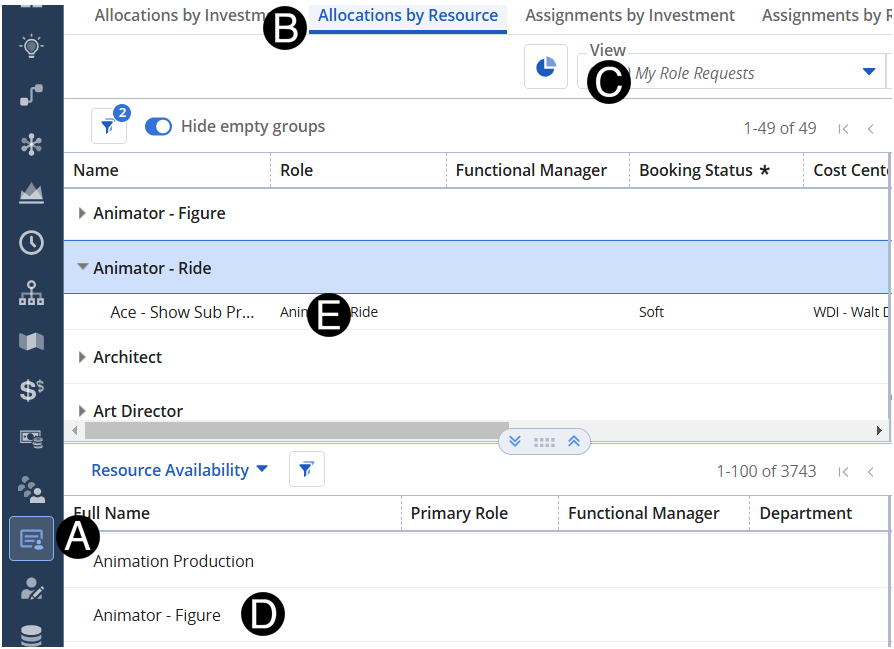
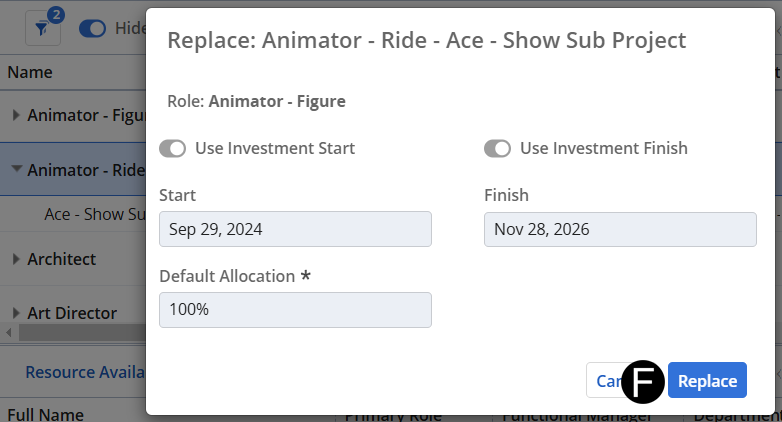
After assessing your team’s bandwidth, decide which of your direct reports is most suited to fulfill the project’s request skillset. If you do not have a named resource who can support the need, you can assign a TBD.
 Ensure
you have active conversations with the project team to fully understand
the ask.
Ensure
you have active conversations with the project team to fully understand
the ask.
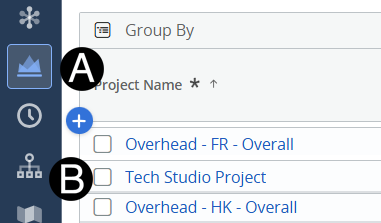
Click on Project icon.
Click to open project from the list.