T1.5: Add Functional Manager to Role Request
Detailed Steps
Step 1:
Log in to Clarity
.
Step 2: Add Functional Manager.
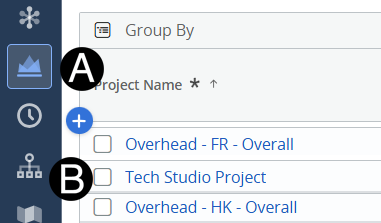
Click on
Project
icon.
Click to open project from the list.
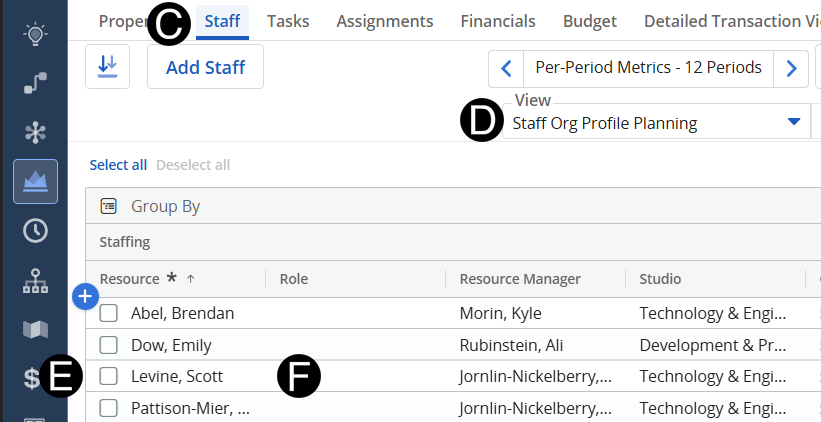
Select
Staff
tab.
Change View to
Staff Org Profile Planning
.
Select the role request line.
Click
Role
and select a Functional Manger from drop-down list.