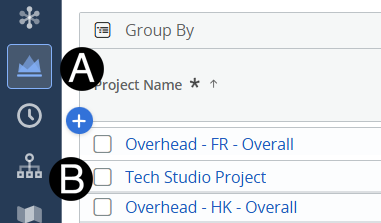
Click on Project icon.
Click to open project from the list.
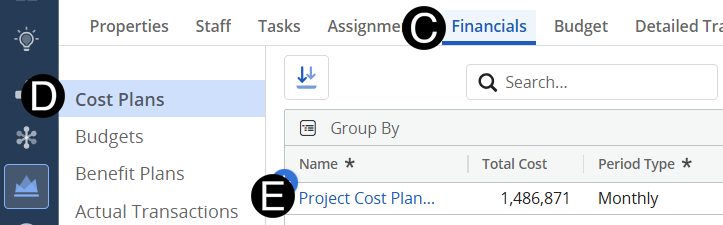
 Change
your Fiscal Period for easier navigation.
Change
your Fiscal Period for easier navigation.
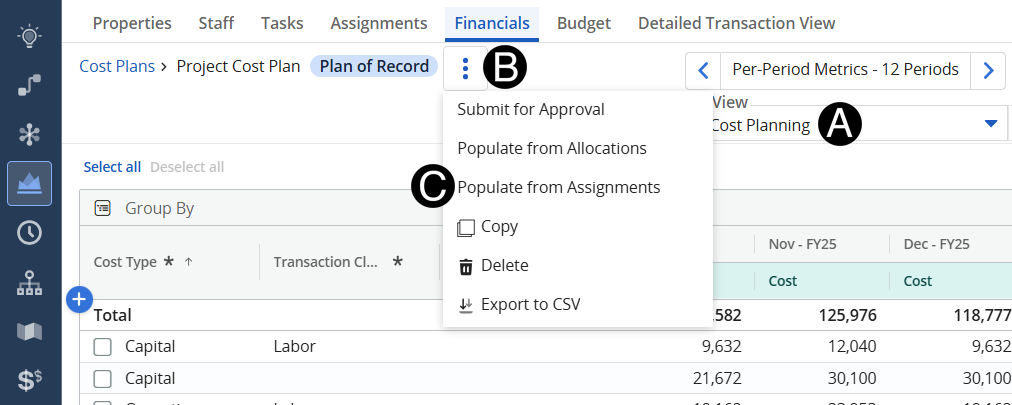
Change View to Cost Planing.
Click the three vertical dots..
Click Populate from Assignments.
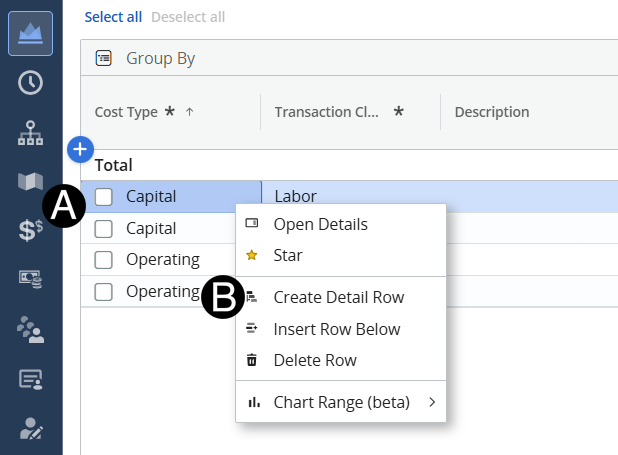
Hover over the row with the expense type you want to add. Right Click.
Select Create Details Row.
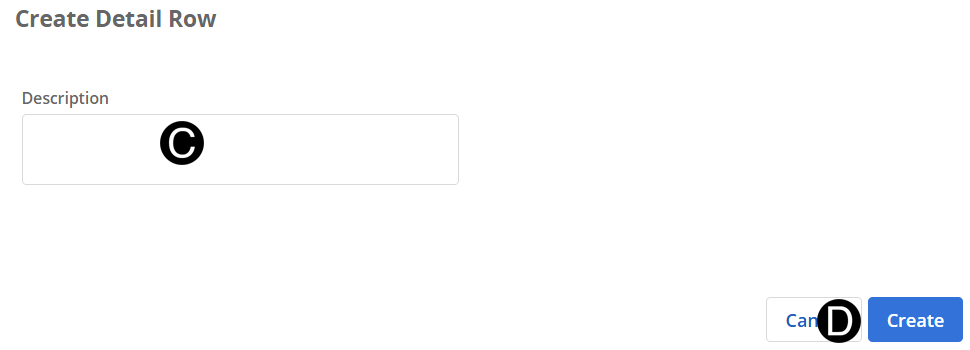
Enter a Description.
Click Create.
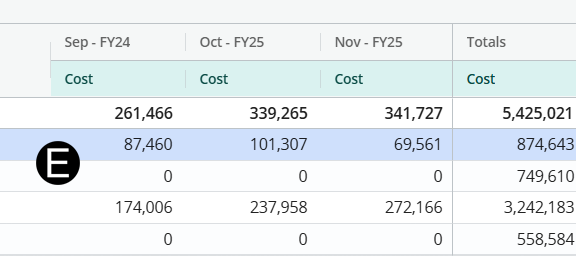
Enter Forecasts (Appropriate period).
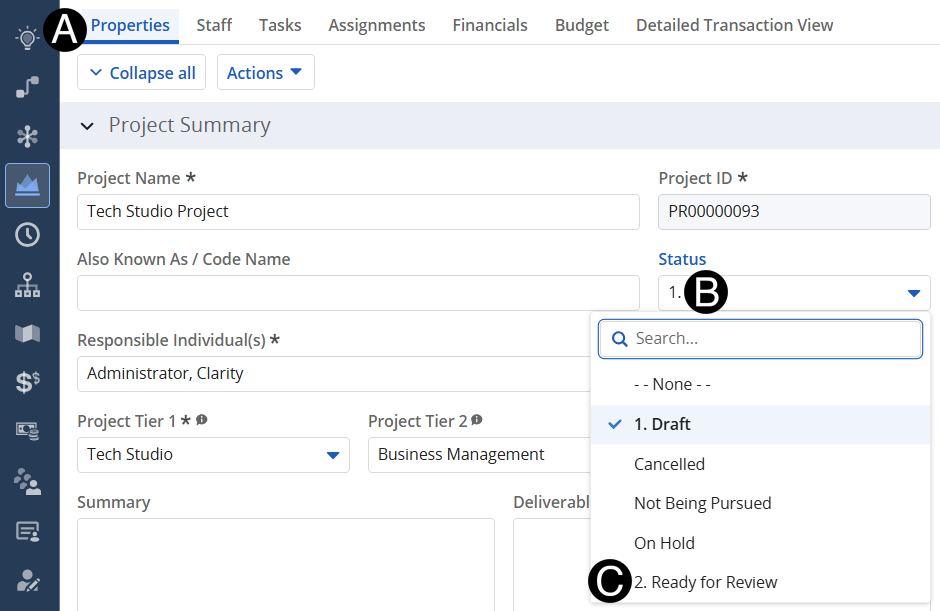
Click on Properties tab.
Click Status.
Select Ready for Review.