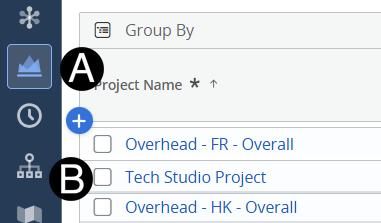
Click on Project icon.
Click to open project from the list.
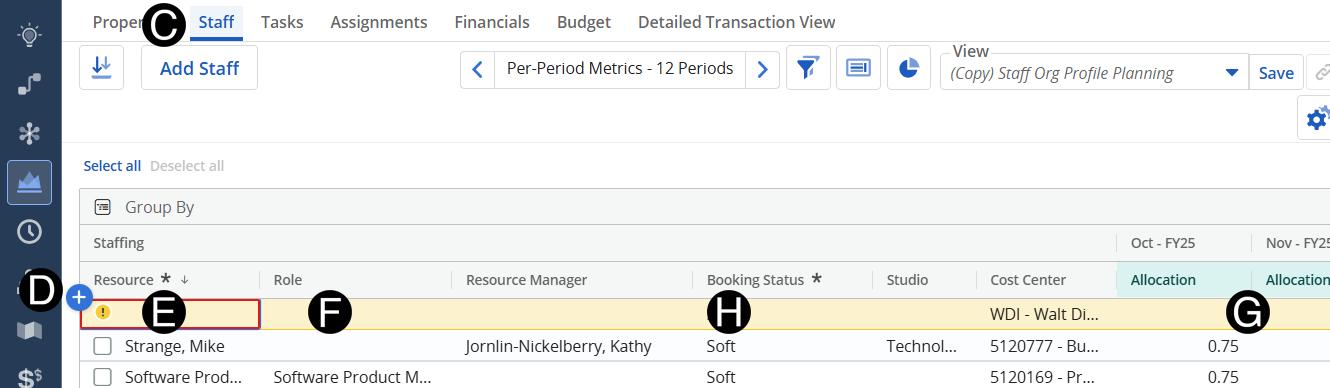
Select Role from drop-down list.
Enter Allocations to match the project needs. (use scroll bar at bottom to so all allocation columns)
Select Booking Status Hard from drop-down list.