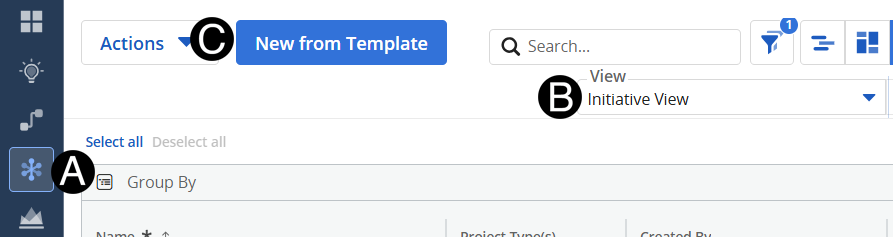
Click on Initiative icon.
Change View to Initiative View.
Click New from Template button.
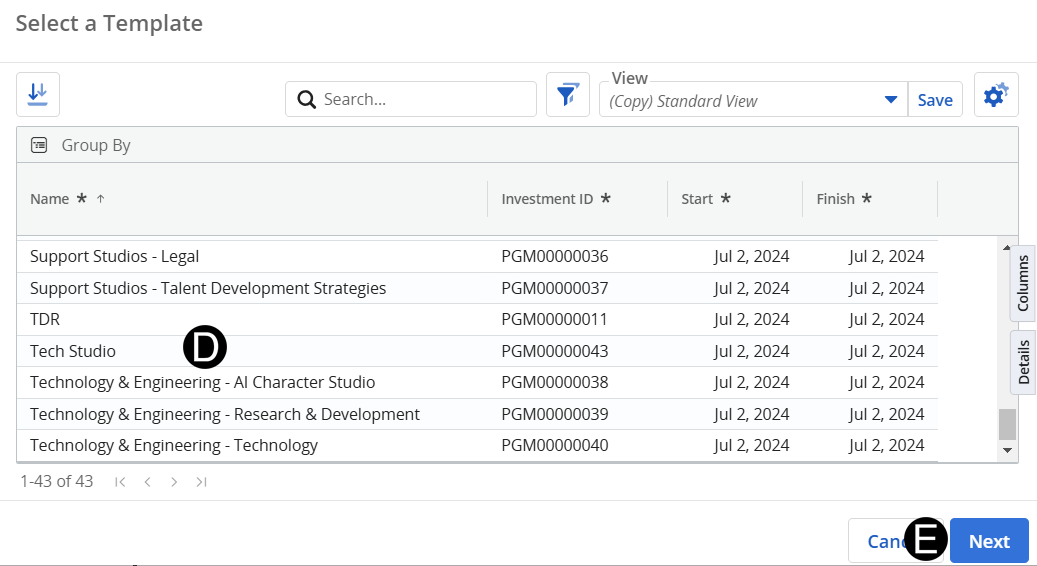
Select Template from list.
Click Next.
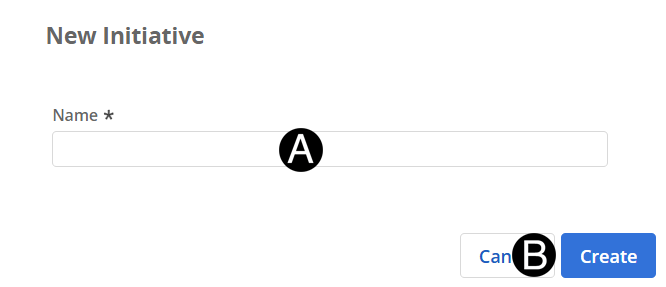
Enter Name for the New Initiative.
Click Create button.
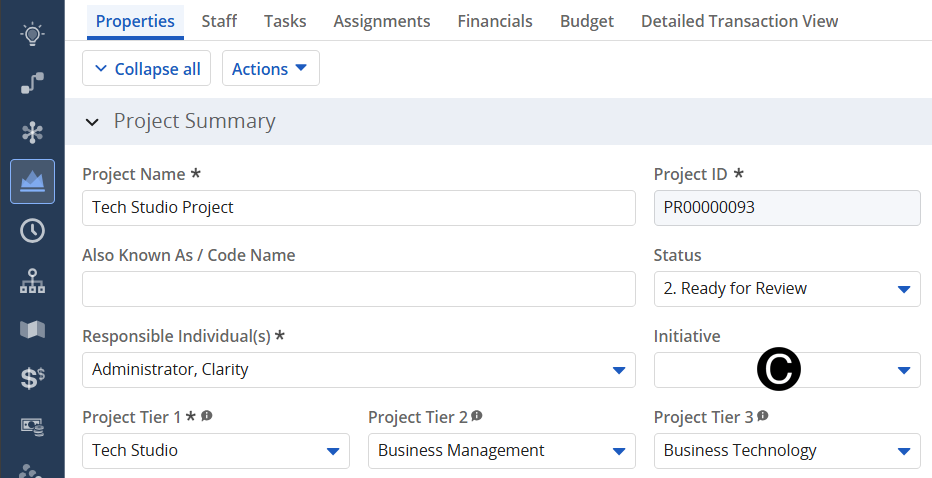
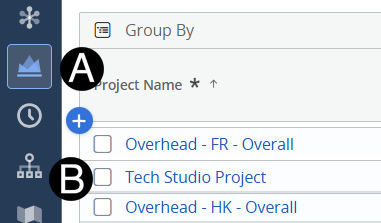
Click on Project icon.
Click to open project from the list.
Select the Initiative from drop-down list.