As a Functional Manager, you may receive a role request that does not truly belong within your purview. You must re-route that request to the correct Functional Manager or remove your name so the core team knows to route it to someone else.
 Once
you select a functional manager’s name, that request will immediately
show up on their dashboard as a request that needs to be fulfilled.
Once
you select a functional manager’s name, that request will immediately
show up on their dashboard as a request that needs to be fulfilled.
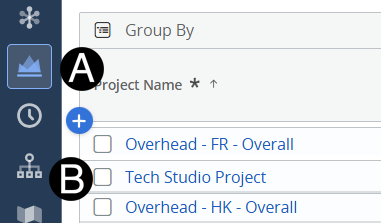
Click on Project icon.
Click to open project from the list.
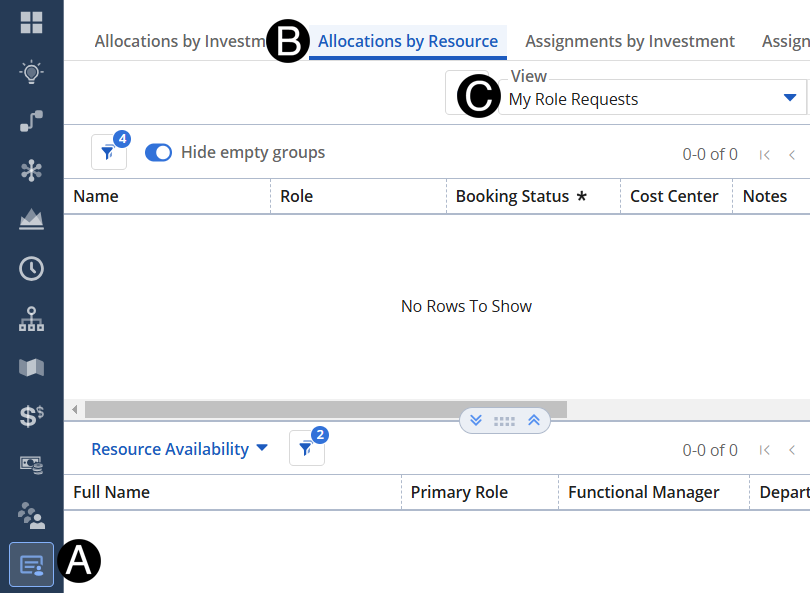
Click on the Staffing icon on the navigation menu.
Click on Allocations by Resource.
Change View to My Role Requests.
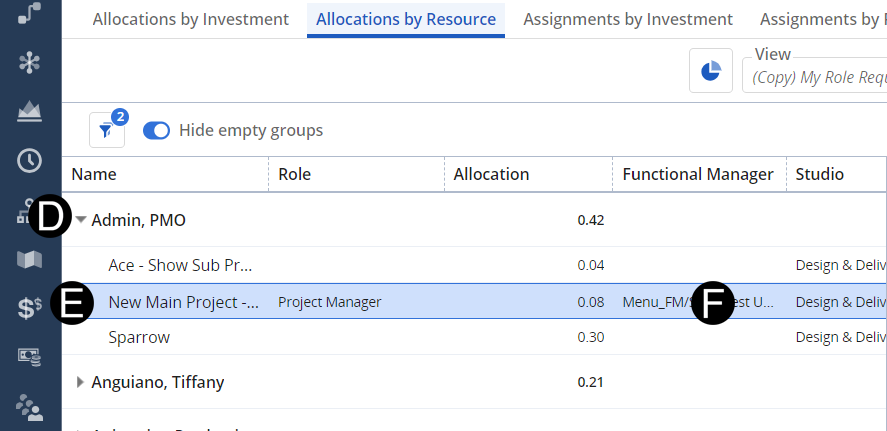
Click the line that requires Functional Manager adjustment.
Double click Functional Manager select the Functional Manager from drop-down list.