





Project Manager reviews Change Order. Project Manager workflows an approved Change Order to Other Signee(s) based on Signature Authorization matrix. If Change Order is not approved, it is submitted back to the Contract Administrator.
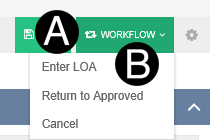
Once a Change Order is submitted by the Project Manager it moves to the Other Signee(s) in the LOA: Finance state.
|


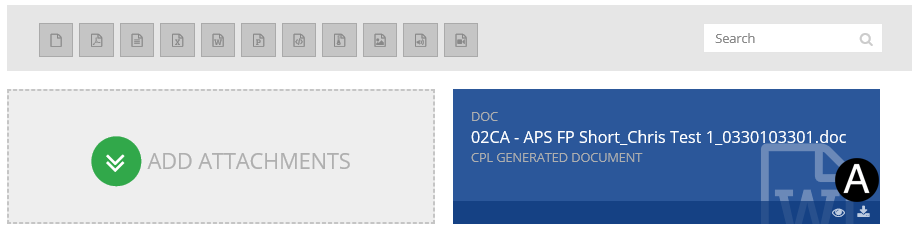
 download icon to download the Invoice file.
|

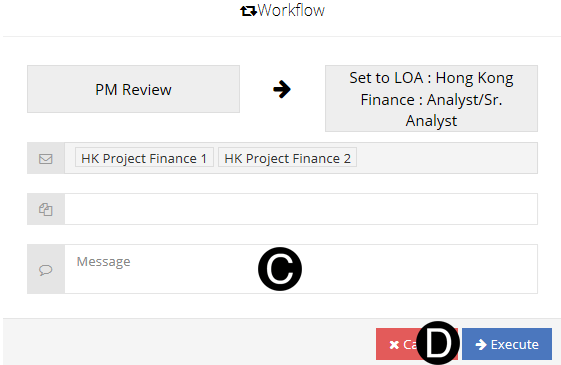
Type a message in the Message field to include in the Email notification (optional).
Click Execute.
|
 The levels of authority (LOA) approval
is based on single Change Order document value.
The levels of authority (LOA) approval
is based on single Change Order document value.