F.6.9b Awaiting Vendor Signature: Waiting for Vendor Execute Contract

Description
The Contract Administrator
will receive Email from the vendor with the signed contract document that
do not participate in NexGEN.
Outcomes
Contract
Administrator will attach the signed copy of the contract in NexGEN
and workflow to Received from Vendor state.
Detailed Steps
Step 1:


Step 2: Attach signed
Contract files.
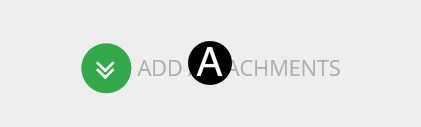
- Click Add Attachment.
- Browse for file and Click open. Attachment will be added
to NexGEN.

Step 3: Received from Vendor.
- Enter in Vendor Received
date.
- Enter in Received from Vendor
date.


Step 4: Workflow Received
from Vendor.
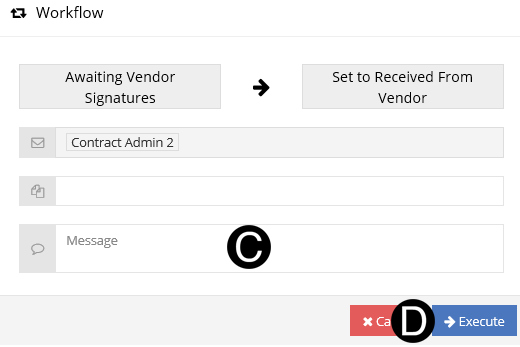
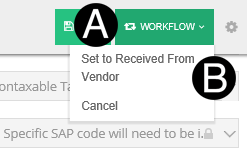
- Click Workflow.
- Select Set to Received from Vendor.
- Type a message in the Message field to include in the Email
notification (optional).
- Click Execute.