





WDI VP (or delegates) will receive Email notification from DocuSign and electronic copy of the Contract to review and sign.
|
Contract will move forward to Fully Executed State if SOV is complete or to Pending SOV-Vendor State if SOV is not complete.

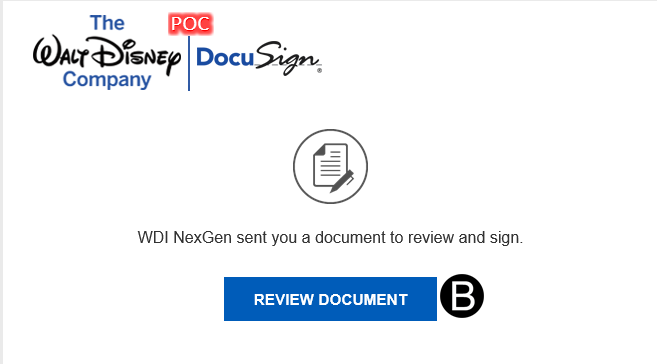
Click Continue to open and review the Contract.
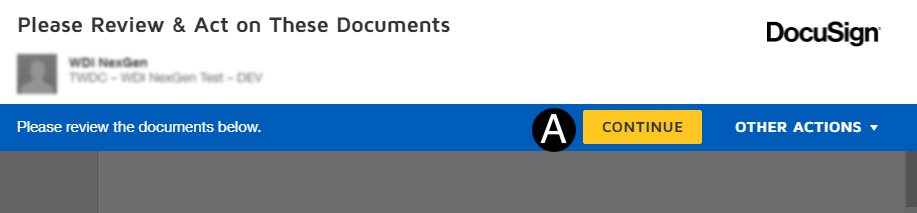
Review Contract file.
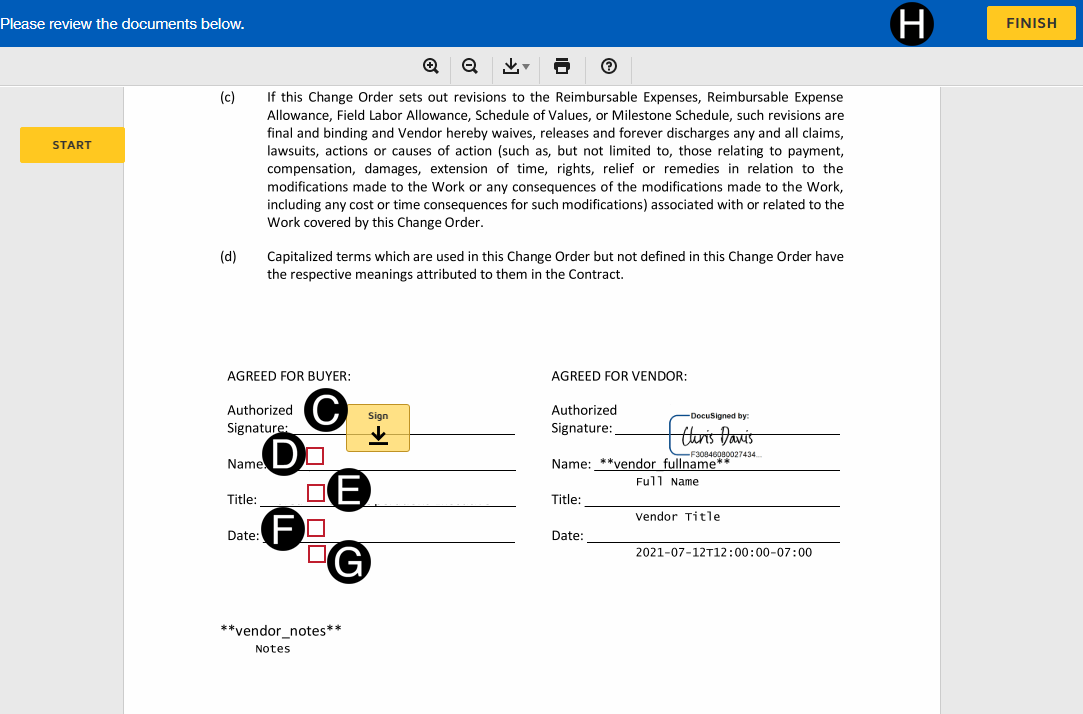
Sign using your stored DocuSign Signature on Authorized Signature line.
Enter Full Name by clicking in red box and typing information.
Enter Title by clicking in red box and typing information.
Enter Date by clicking in red box and typing information.
Enter Notes by clicking in red box and typing information
Click Finish.
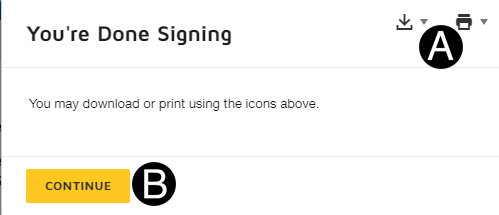
The contract can be download or printed by clicking the icons.
Click Continue to complete the DocuSign process.
 If
If 