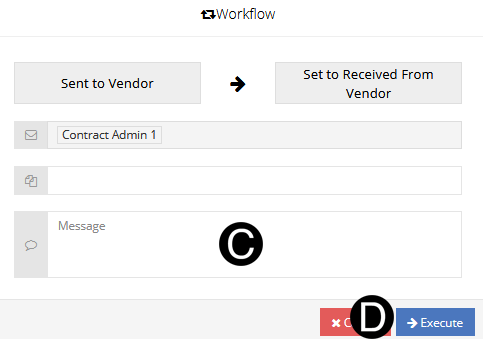
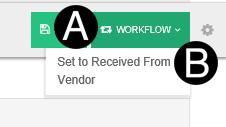
The Vendor will receive the contract in NexGEN, if participating, or receive an Email with the Contract if not participating.
Contract Administrator will receive a copy of the signed contract in NexGEN if participating or will receive an Email with a copy of the signed Contract if not participating.


 download
icon to download the Contract file.
download
icon to download the Contract file.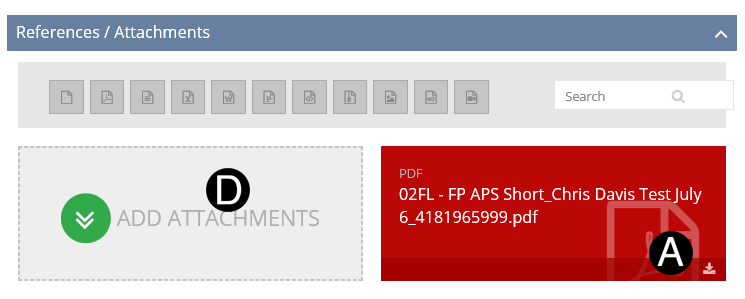

Type a message in the Message field to include in the Email notification (optional).
Click Execute.