





The Contract Administrator will workflow to the Vendor in the Sent to Vendor state if participating. If the Vendor is not participating, the Contract Administrator will workflow to Awaiting Vendor Signature state.
|
The Vendor will receive a notification via Email and Execute the contract.
|


|

 download
icon to download the Contract file.
download
icon to download the Contract file.
 .
.
|
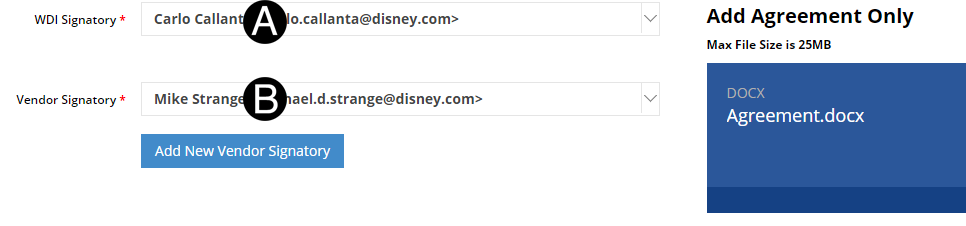
Verify or update WDI Signatory.
Verify or update Vendor Signatory.
|

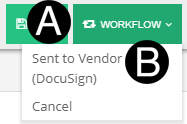
Click Workflow.
Select Sent to Vendor (DocuSign).
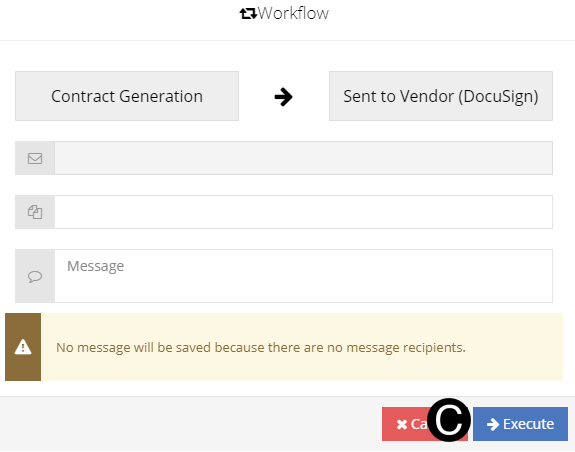
Click Execute.
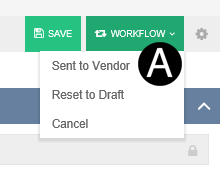
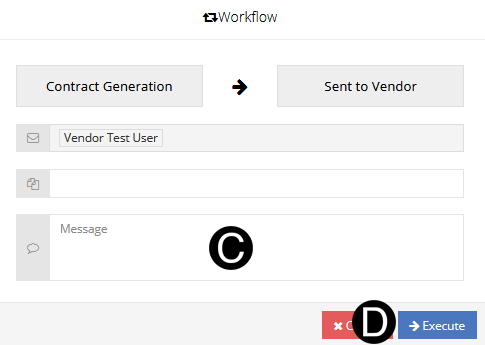
Select Workflow: Sent to Vendor if vendor participates in NexGEN.
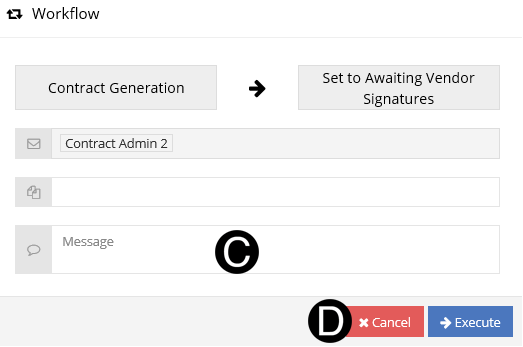
Select Workflow: Awaiting Vendor Signatures if vendor does not participate in NexGEN.
 Or
Or 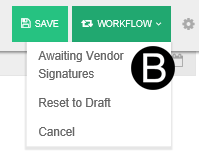
Type a message in the Message field to include in the Email notification (optional).
Click Execute.
Screen Capture of Participating Vendor Workflow
Screen Capture of not Participating Vendor Workflow


 The
The