Contract Administrator will receive Email notification and is confirming hard copies of the contract have been received and all documentation is attached to obtain WDI Executive signatures.
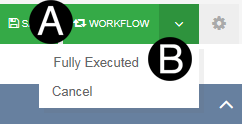
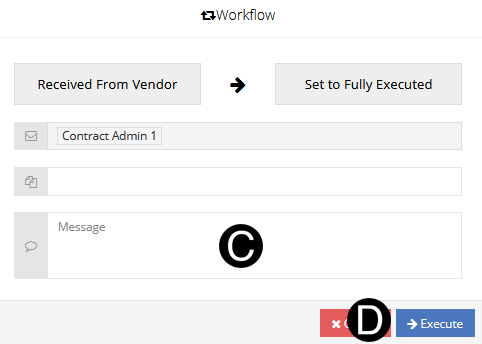
Contract Administrator has a fully executed contract and Workflows to the Fully Executed state.


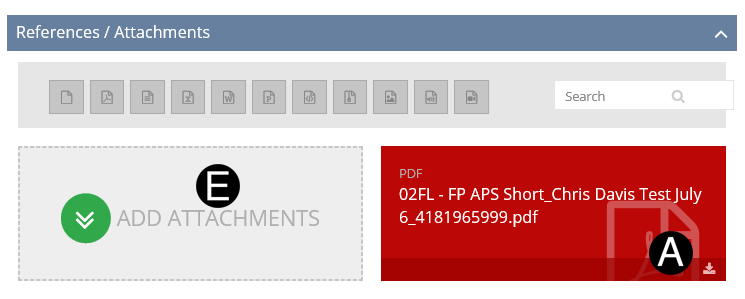
Download Contract by clicking on  icon.
icon.
Print Contract and activity log.
Obtain Executive signature.
Save scanned Contract file as PDF.
Click on Add Attachment.
Browse for signed Contract file and attach.