





Finance Accounting enters the invoice into SAP once it is fully approved.
Once a Contract Payment is approved, it is workflowed from the Approved state to the Released for Payment state.
|


Click download icon and review the Vendor Invoice.
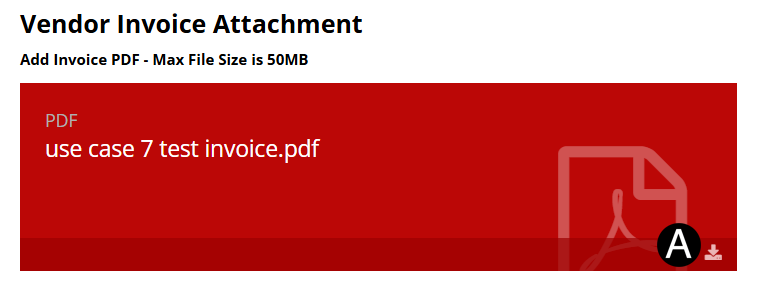

In References / Attachments section
click the  download icon to download the Invoice
file.
download icon to download the Invoice
file.
Review Invoice file and sign agreement page.
Save Invoice file as PDF.
Click on Add Attachment.
Browse for signed Invoice file, click Open to attach.
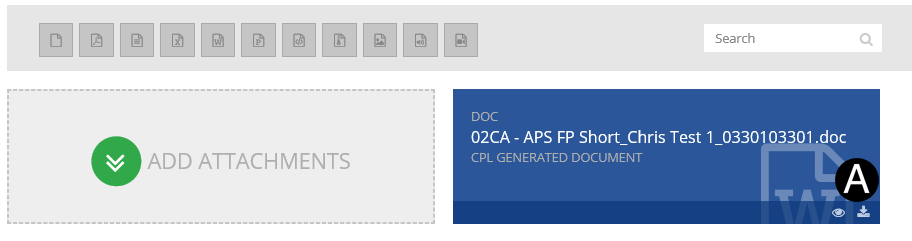

|
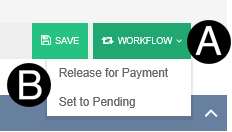
Click Workflow drop-down list.
Select Release for Payment.
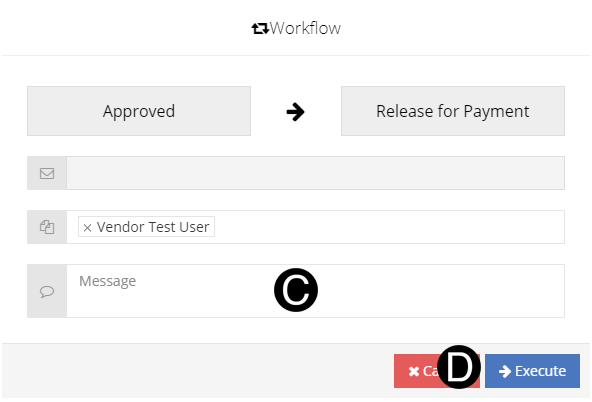
Type a custom message in the Custom Message field (optional).
Click Execute.
 The conditional and unconditional tracking
worksheet can be attached prior to workflowing to
The conditional and unconditional tracking
worksheet can be attached prior to workflowing to