





Other Signee(s) is based on the Portfolio Procurement Approval Matrix Authority who review invoices for approval.
Once a Contract Invoice is Approved, it is Workflowed from the LOA to Approved state.
|


Click This Invoice Only.
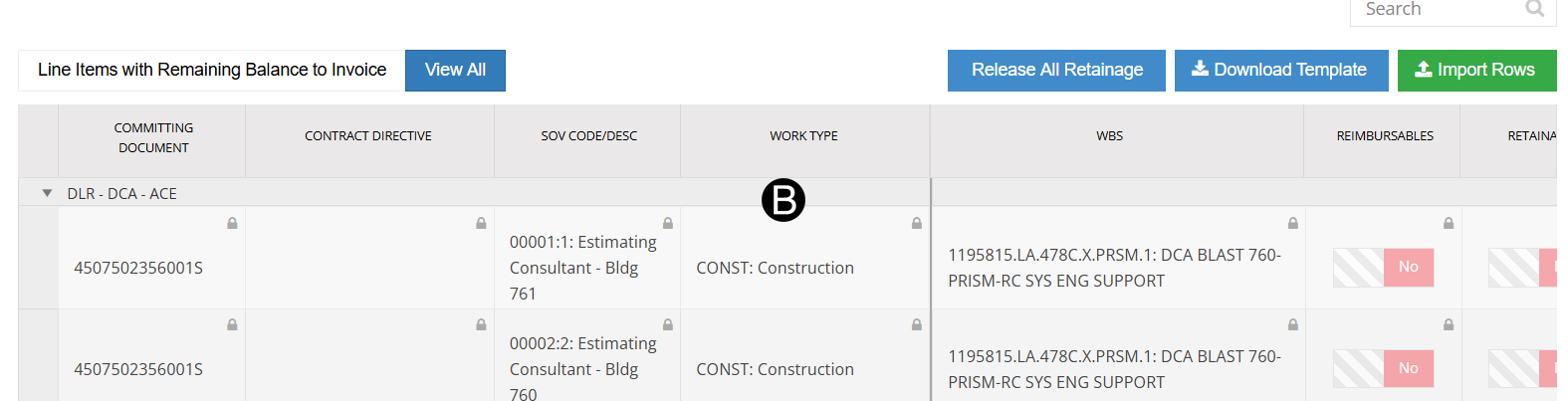
Review SOV lines.

Click download icon and review the Vendor Invoice.
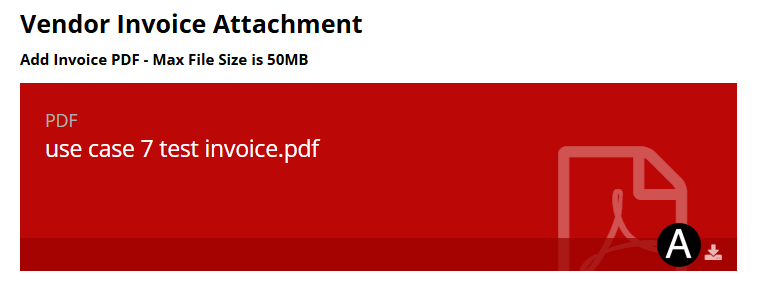

In References /Attachments section
click the  download icon to download the Invoice
file.
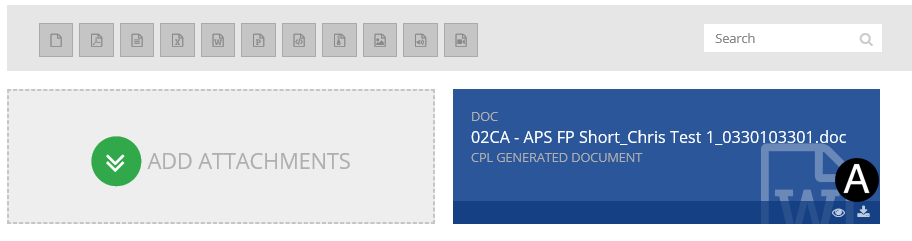
download icon to download the Invoice
file.
Review Invoice file and sign agreement page.

|
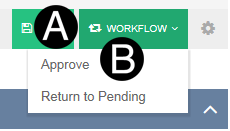
Click Workflow drop-down list.
Select Approve.
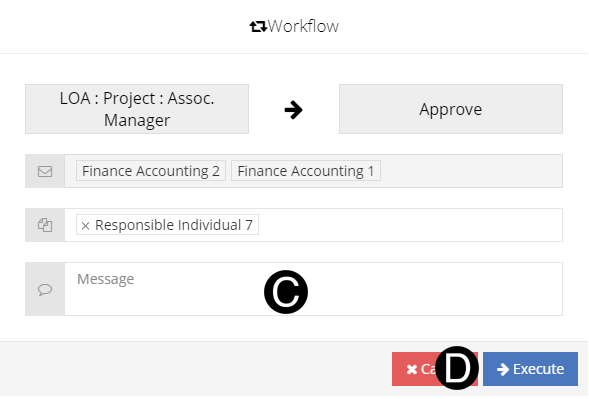
Type a custom message in the Custom Message field (optional).
Click Execute.
 Click to see the