





Project Manager reviews invoice for accuracy of invoiced amount broken out by SOV and ensures that all necessary backup is attached.
Once a Invoice Payment is Approved, it is Workflowed from the PM Review to Approved state.
|


Click This Invoice Only.
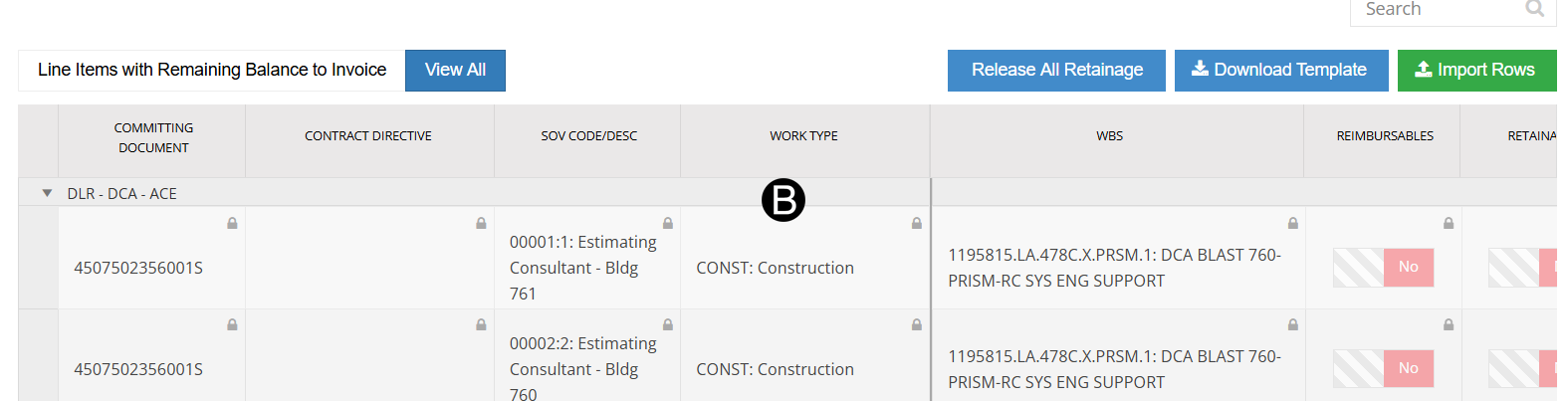
Review SOV lines.

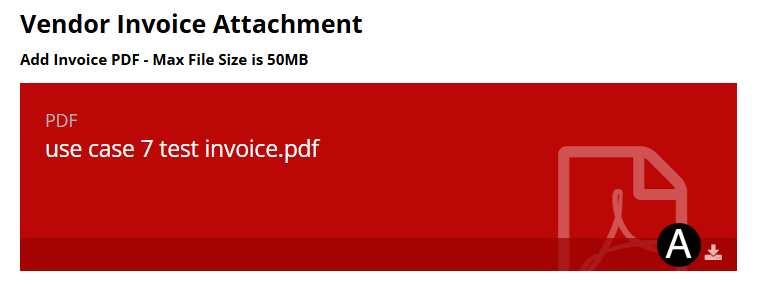
Click download icon and review the Vendor Invoice.

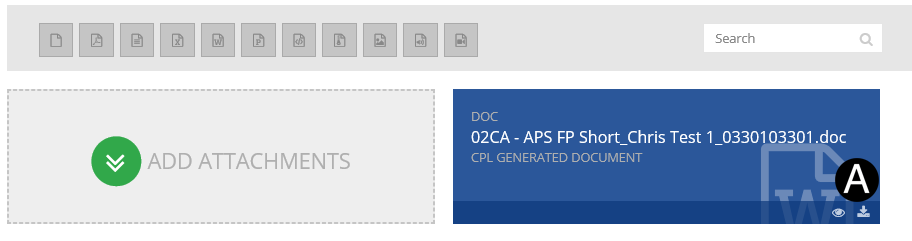
In References /Attachments section
click the  download icon to download the Invoice
file.
download icon to download the Invoice
file.
Review Invoice file.

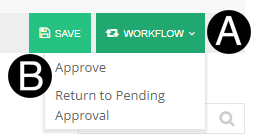
Click Sub Document Header Workflow drop-down list.
Click Approve.
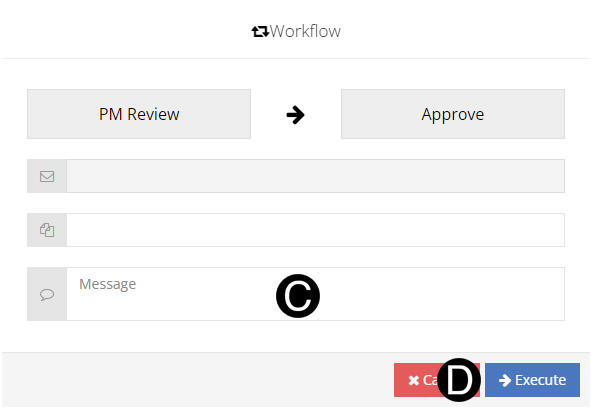
Type a custom message in the Custom Message field (optional).
Click Execute.
OR
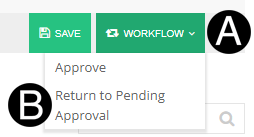
Click Sub Document Header Workflow drop-down list.
Click Return to Pending Approval.
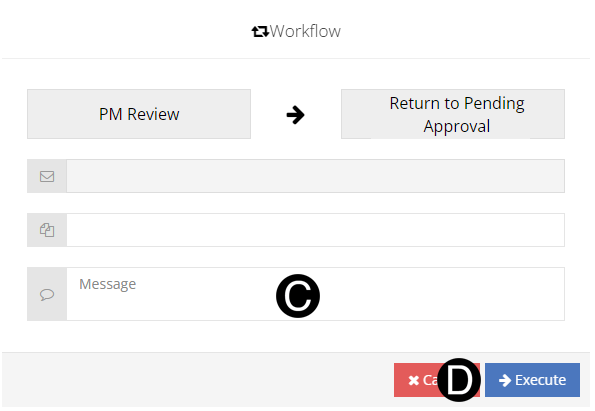
Type a custom message in the Custom Message field (optional).
Click Execute.
 Click to see the Portfolio Procurement
Approval Matrix. Or from Main Document Header click LOA Approvals.
Click to see the Portfolio Procurement
Approval Matrix. Or from Main Document Header click LOA Approvals.