Project Manager reviews the Budge Transfer information entered by Estimator or Finance and any attachments. If the Budget Transfer is acceptable, Project Manager Approves the Budget Transfer.

Review/verify Budget Transfer.
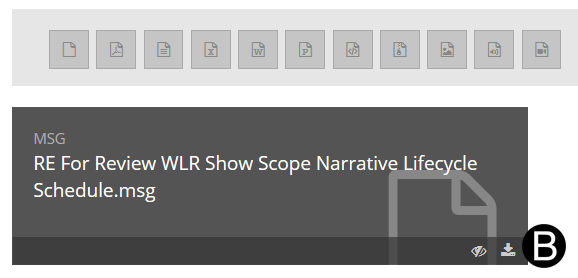
Review any attachments by downloading them. Click Download.
Click OK.
Browse and select the location where you want the file downloaded.
Click Save.
Click OK.
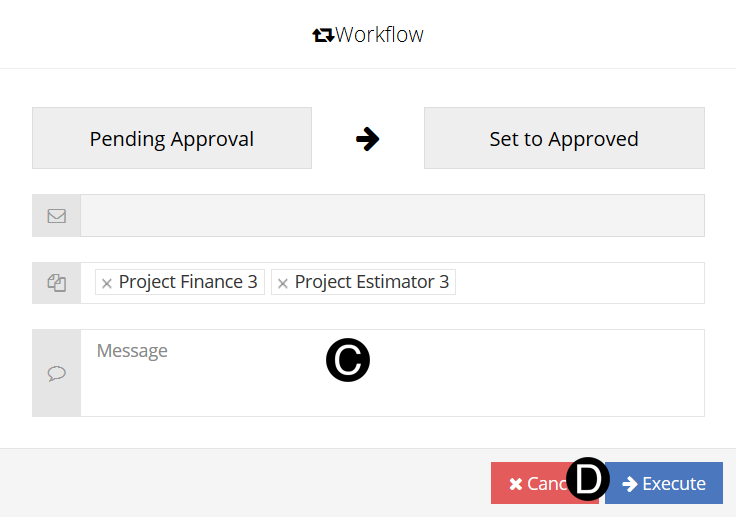
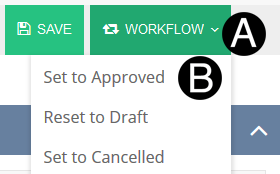
Click Workflow.
Select Set to Approved from the list.
Type a message in the Message field to include in the Email notification.
Click Execute.