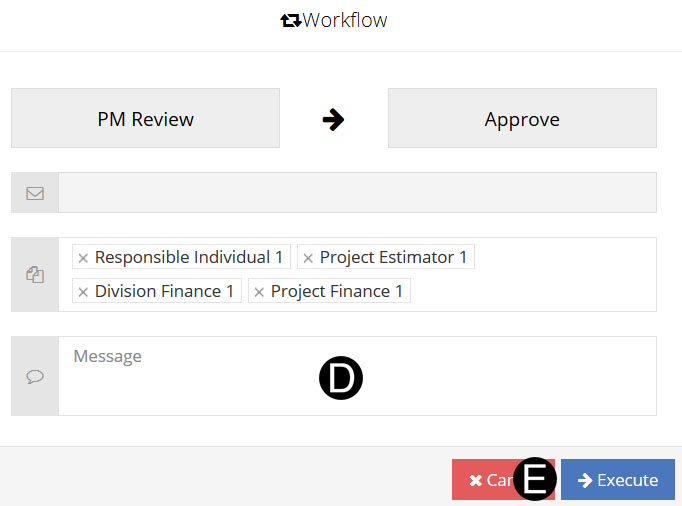
Project Manager agrees that the scope documented can move forward and that all disciplines and the overall impact is accounted for. The Project Manager will review/confirm Funding Type and Cause of Change.
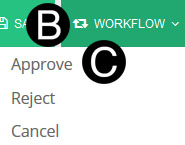
Under workflow the following choices will produce the following results:
Approve: Will end process, and PWA JFC is approved.
Reject: Go Back to Studio Finance, and Project Finance to make corrections as needed.
Cancelled: Will end process, and void PWA JFC.
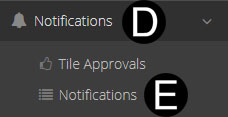
Select Notifications.
Click Tile Approvals.

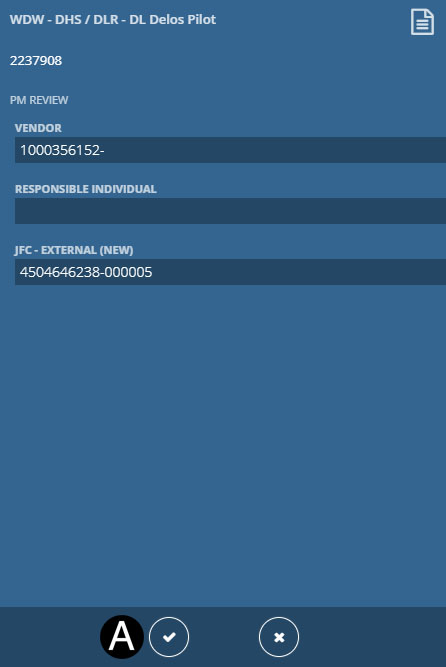
Click  from Notification
Tile to Workflow.
from Notification
Tile to Workflow.
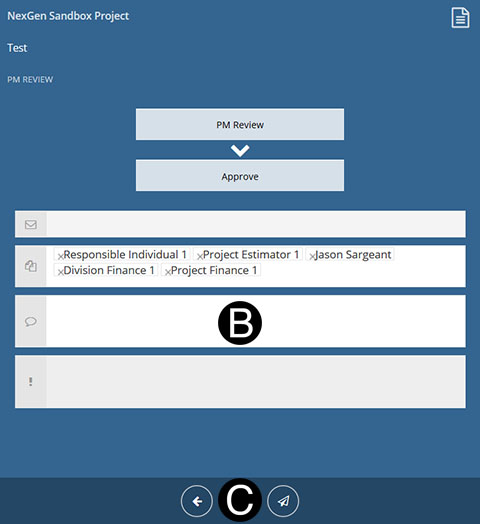
Type a message in the Message field to include in the Email notification (optional).
Click to Workflow.
|
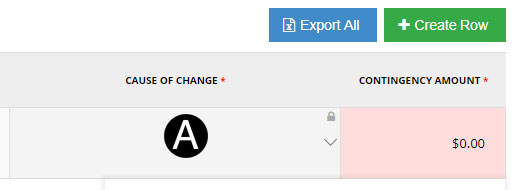
Scroll down to SOV Section, and adjust Cause of Change if applicable.
Click Workflow
Select Approve from the list.
Type a message in the Message field to include in the Email notification (optional).
Click Execute.