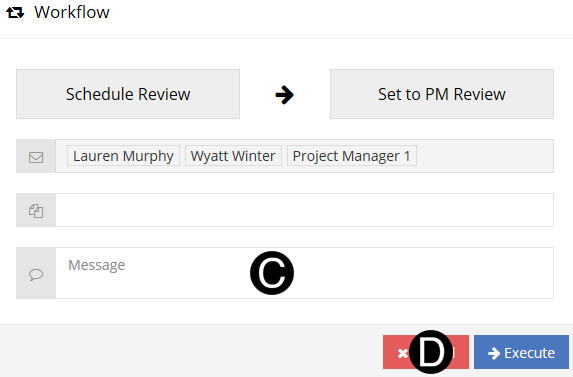
Project Planner reviews to determine if there is a impact to any component of the schedule.
This state will only be used if the Project Manager selects this Workflow option to receive input from the Project Planner.


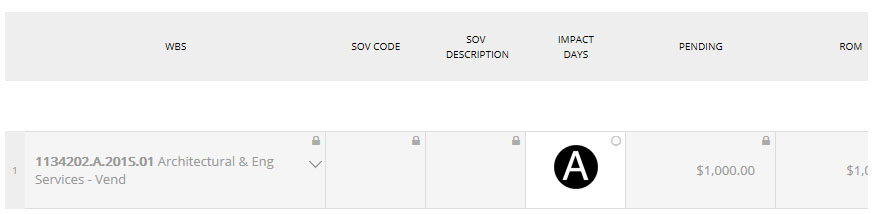
Enter Impact Days.

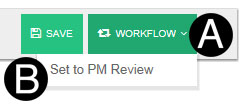
Click Workflow.
Select Set to PM Review.
Type a message in the Message field to include in the Email notification (optional).
Click Execute.