WDI CFO reviews the Budget for alignment with the Investment Committee (IC) or TWDC Board Approval.


Review Budget Approval.
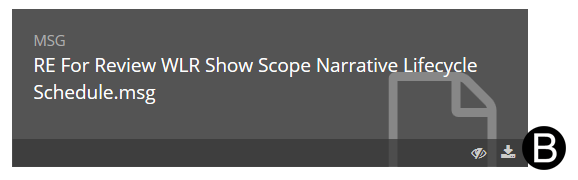
Review any attachments by downloading them. Click Download.
Click Open.
 Be
patient - Workflow can not be started until the system populates the
Current Budget and Total Budget columns have been populated for all
line items.
Be
patient - Workflow can not be started until the system populates the
Current Budget and Total Budget columns have been populated for all
line items.

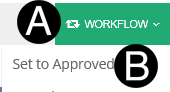
Click Workflow.
Select Set to Approved from the list.
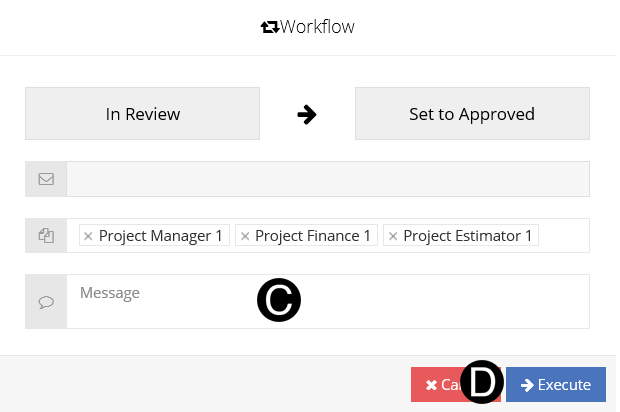
Type a message in the Message field to include in the Email notification.
Click Execute.