





The Studio Reviewer Approver approves by workflowing the document to Project Finance.
The Travel Authorization is workflowed Project Finance in Set up Funding/WBS Assignment State.
|

Review all Traveler Details.
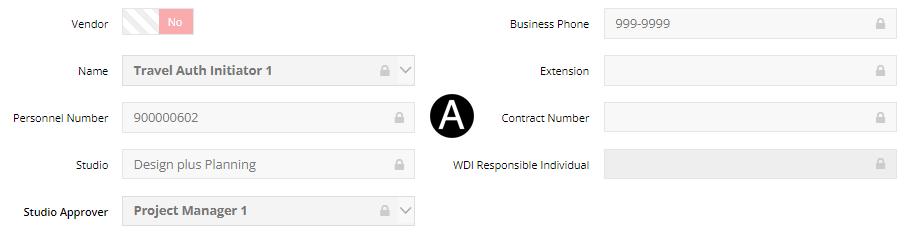

Review all Travel Details.
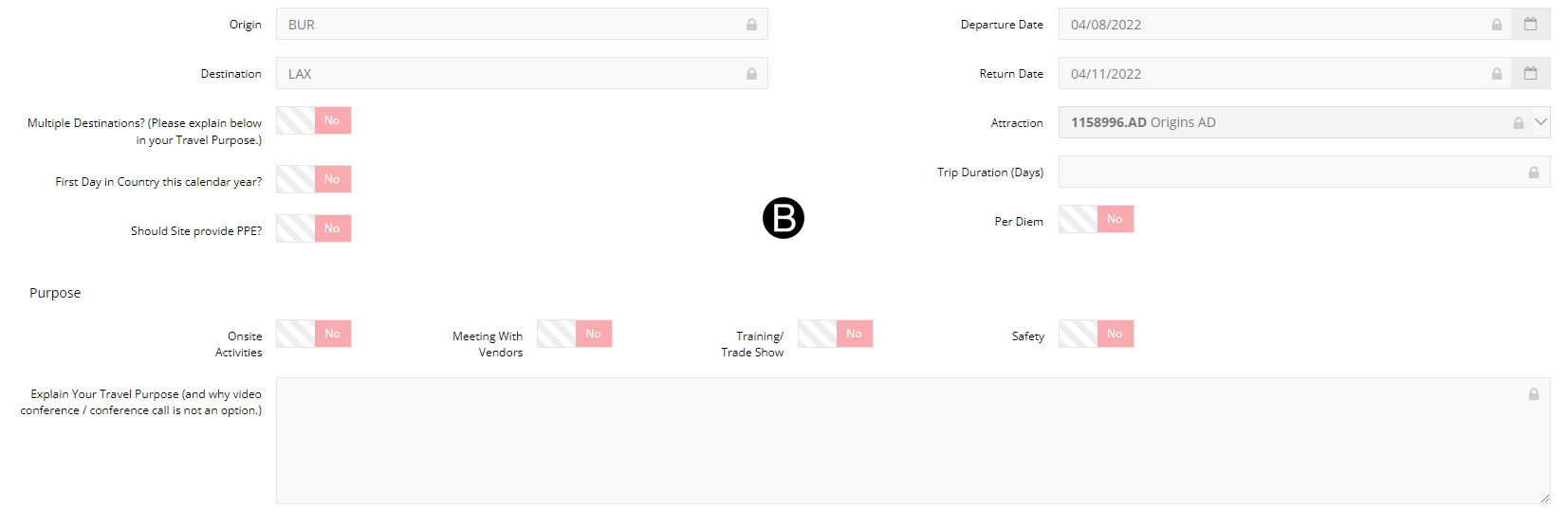

Review all Arrangement Requirements.
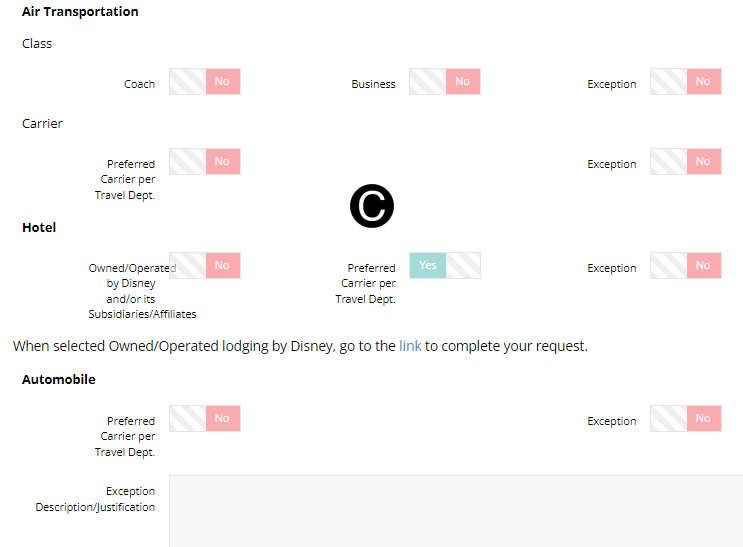

Review all SAP Coding Information & Expenditures.


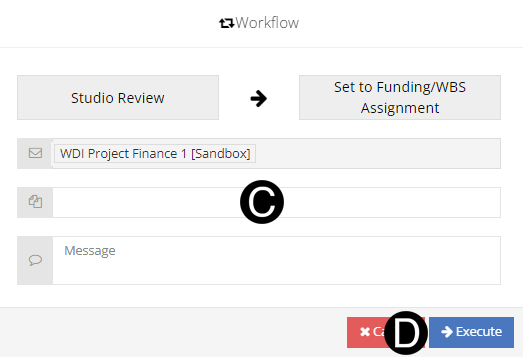
Click Workflow drop-down list.
Select Set to Funding/WBS Assignment.
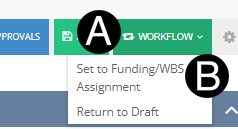
Type a message in the Message field to include in the Email notification (optional).
Click Execute.
OR
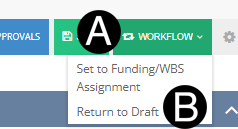
Click Workflow drop-down list.
Select Return to Draft.
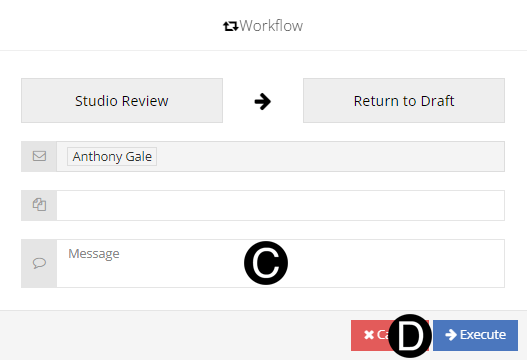
Type a message in the Message field to include in the Email notification (optional).
Click Execute.

 Click
to see the
Click
to see the