





Creation of a travel plan that allows the project team and our Global Mobility partner to manage a projects budget and requirements. The Initiator can create a Draft or modify an existing Draft which will include all of the needed arrangements for the Travel Authorization. The Initiator can also create a Travel Authorization for Vendors if needed.
Once the Travel Authorization is initiated and submitted, it is workflowed to the Studio Lead if it contains no exceptions. If the Travel Authorization contains exceptions it will workflowed to the Policy Exception Approver.
|
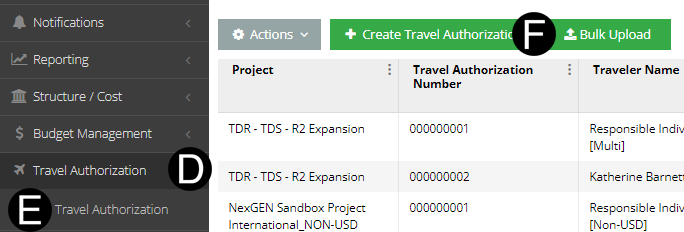
Select Travel Authorization.
Click Travel Authorization.
Click Bulk Upload.
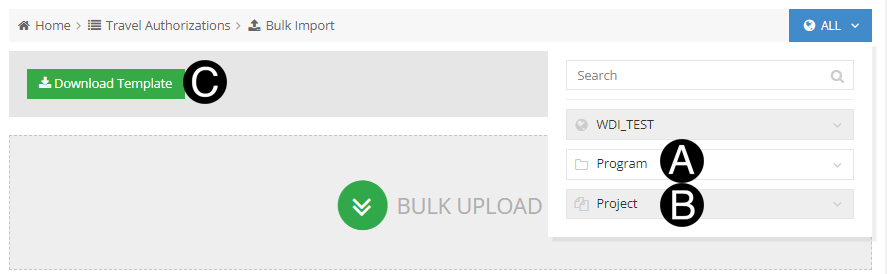
Select Program.
Select Project.
Click Download Template.
 .
.
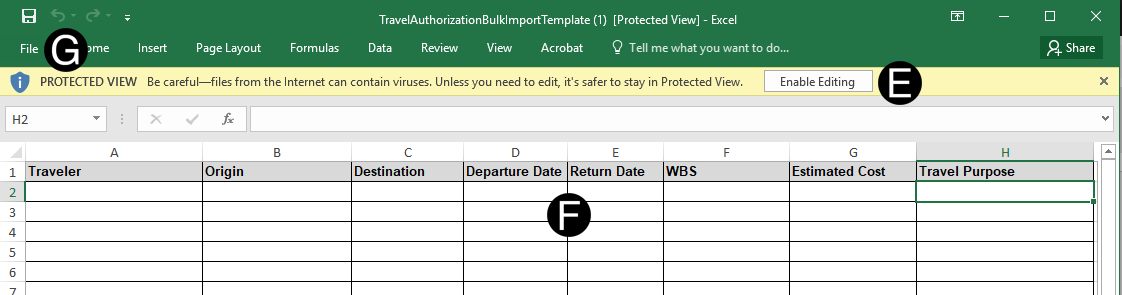
Open downloaded Template.
Click Enable Editing (if applicable).
Complete at columns of each persons travel plan
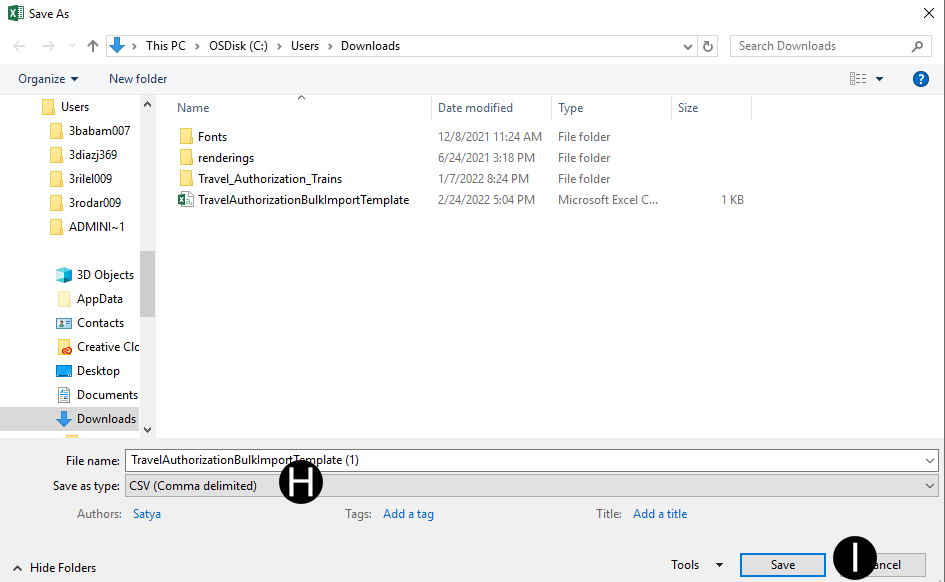
Click File.
Save as type CSV File.
Click Save.
Click Bulk Upload.
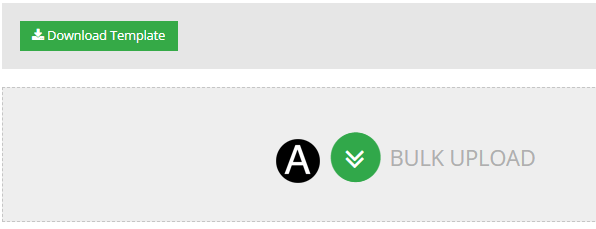
Locate your Template in CSV format.
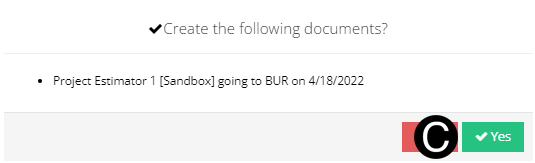
Click Yes and Travel Plan will be saved as Draft format.
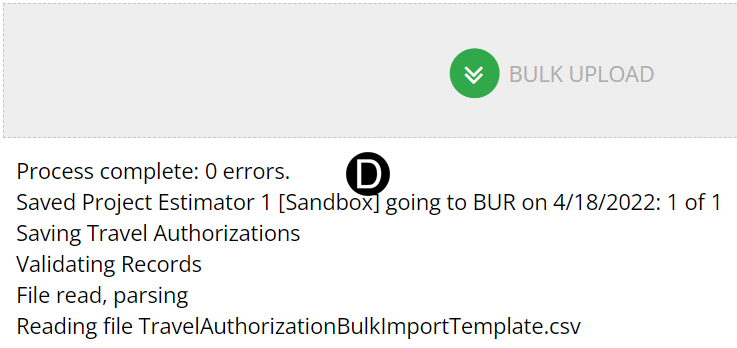
The Travel Plan success message will display.
 If you are an Initiator with an existing
Draft Travel Plan
If you are an Initiator with an existing
Draft Travel Plan