





Business Manager/Ops Support/Ops Finance will create the Initiative an optional step to link together projects that are part of the same overall CAR, program, strategy, or reporting need.
Triton Class of ships would have the same initiative.
|
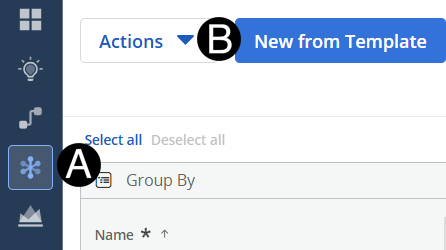
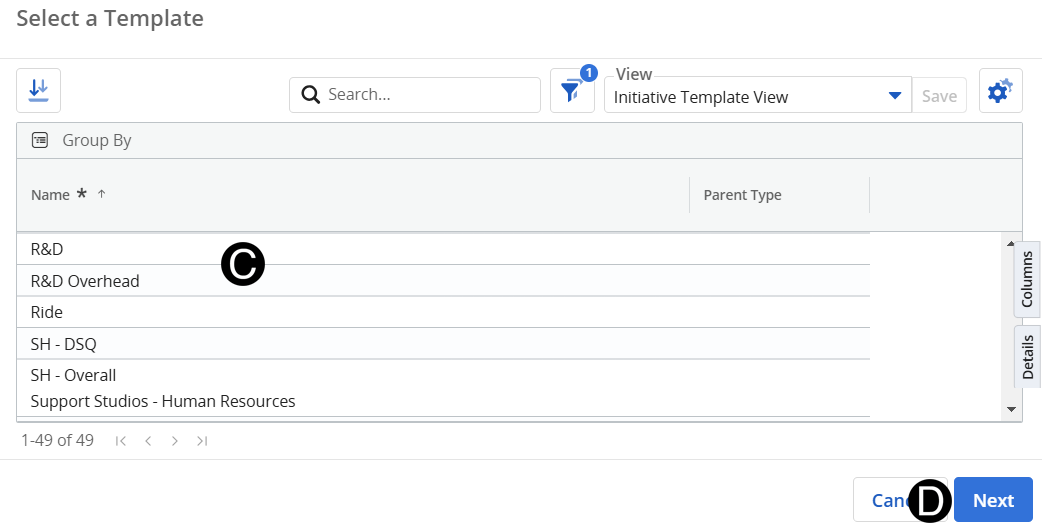
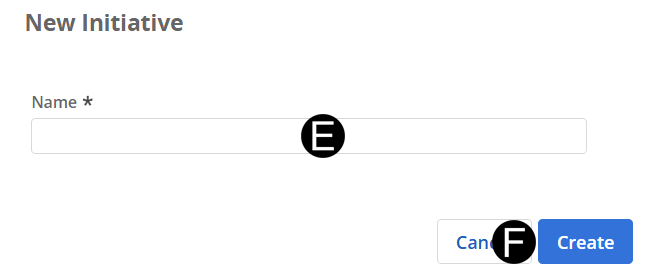
Select New from Template button.
 Initiatives
are not always used and can be added to the projects at any point.
Initiatives
are not always used and can be added to the projects at any point. These projects
stem from the same funding pool.
These projects
stem from the same funding pool.