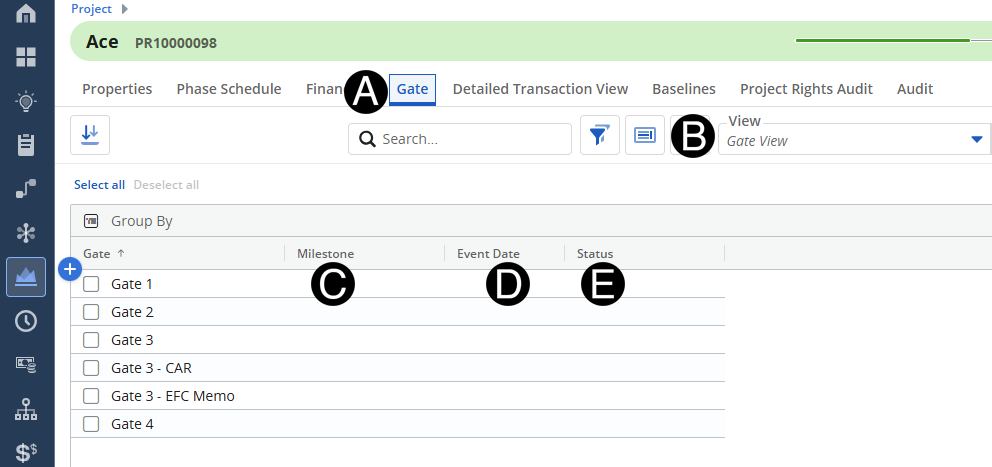
When the project progresses through the governance process, the Gate and milestone event dates need to be documented by Operations Finance maintained for accurate reporting.
 Gate,
Milestone, and Status can operate independently or jointly.
Gate,
Milestone, and Status can operate independently or jointly.
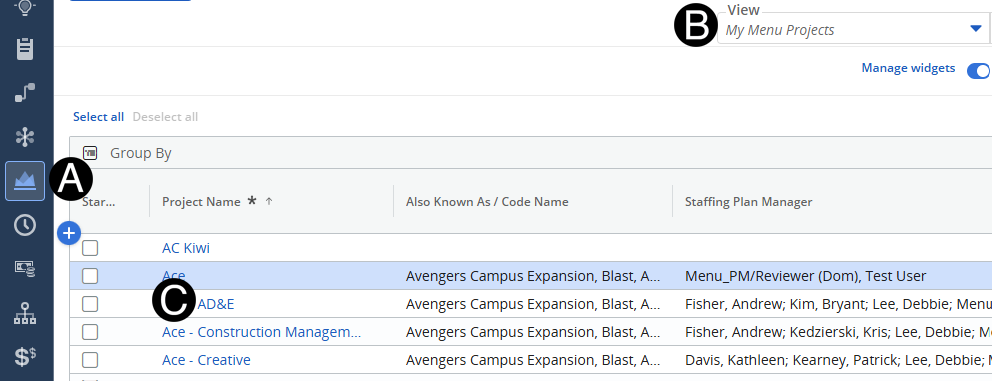
Click on Project icon.
Select My Menu Projects from the View drop-down list.
Click to open project from the list.