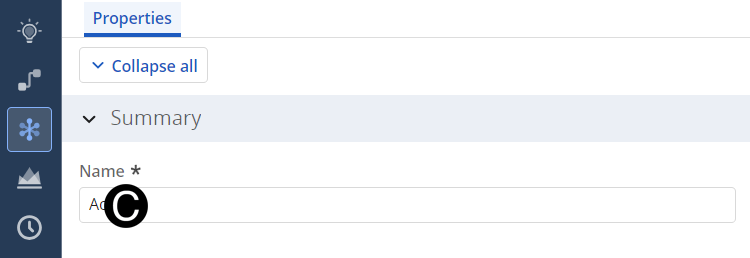
M2.3: Create/Update and Assign Project Initiatives (as needed)

Description
As the project progresses
through the life cycle, the Global Creative Strategy team will adjust
project details and project strategy changes, aligning with Initiatives.
Detailed Steps
Step 1: .
Step 2: Update Project Properties.
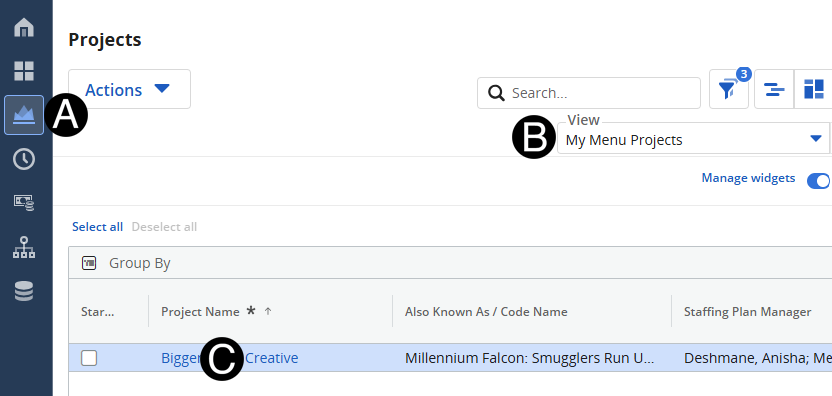
Click on Project
icon.
Select
My Menu Projects from the
View drop-down list.
Click to open project from the
list.
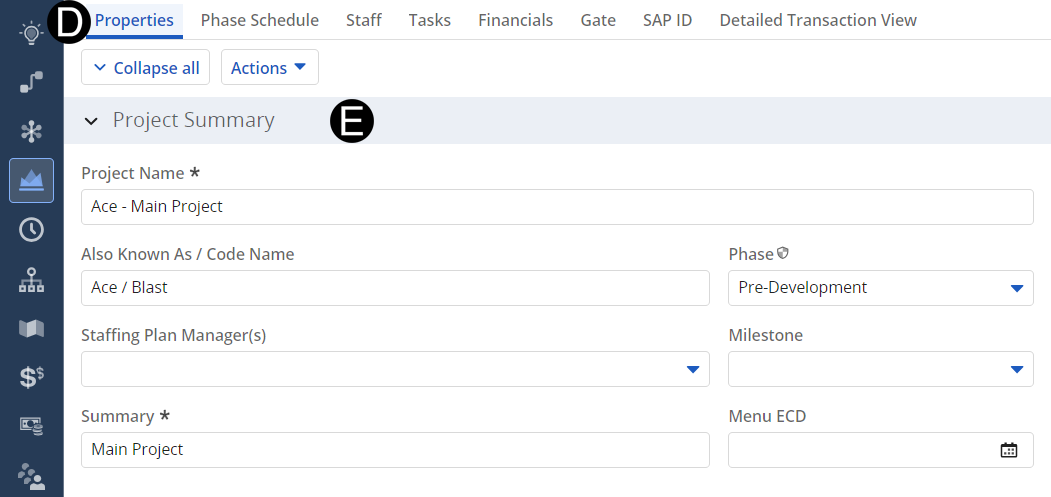
- Select Properties
tab.
- Enter or Update attributes that have changed in Project
Summary Section.
- Enter or Update attributes that have changed in Project
Classification Section.
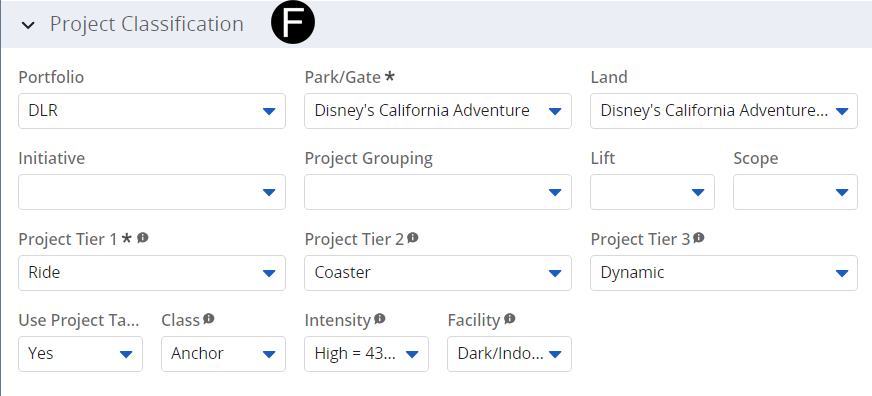
- Enter or Update attributes that have changed in Project
Classification Section.
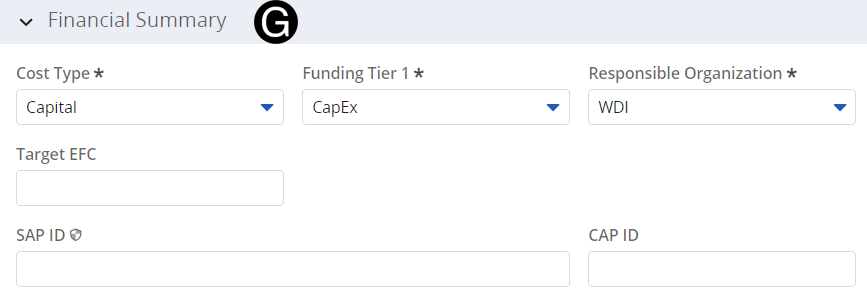
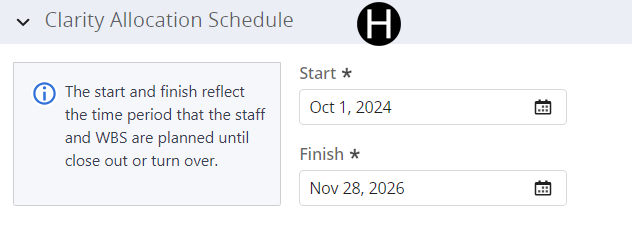
- Enter or Update attributes that have changed in Clarity
Allocation Section.
Step 3: Create/Update Project Initiative.
- Navigate to the Initiative page.
Select project to update initiative.
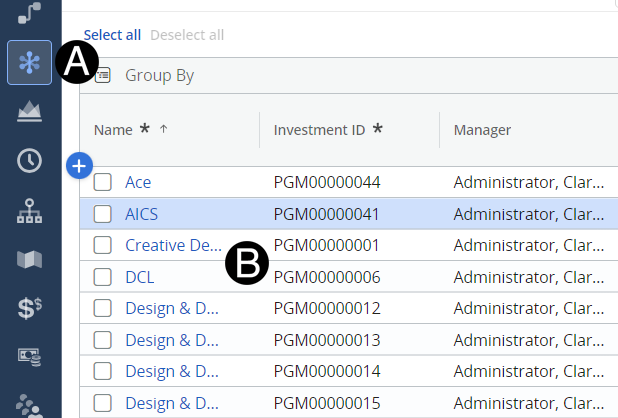
- Update Initiative field.