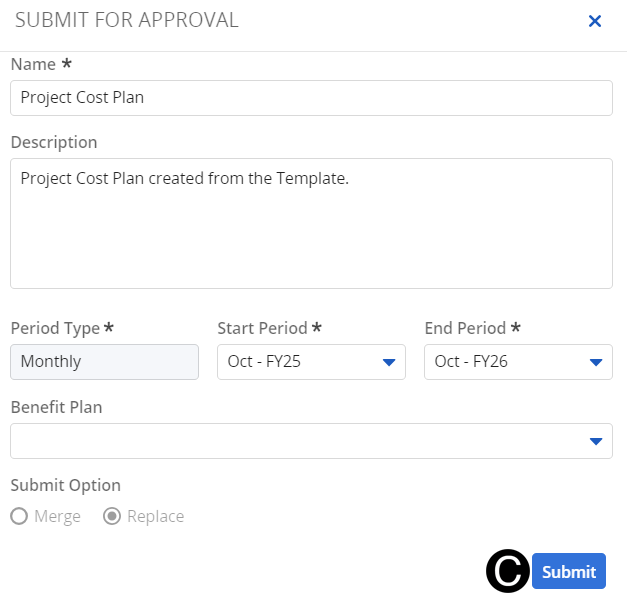
To pull together all costs forecasted on the project, you must update and submit the cost plan. This will aggregate all labor and labor-related expenses. Once the cost plan is complete, submit the cost plan for approval by the project manager.
 Pay attention to the time
scale you are looking at as you navigate between Clarity pages.
Pay attention to the time
scale you are looking at as you navigate between Clarity pages.
Denote
which cost plan is the plan of record.
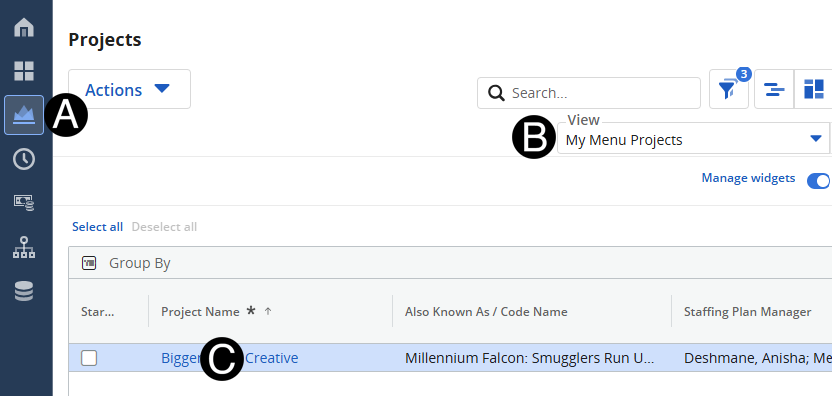
Click on Project icon.
Select My Menu Projects from the View drop-down list.
Click to open project from the list.
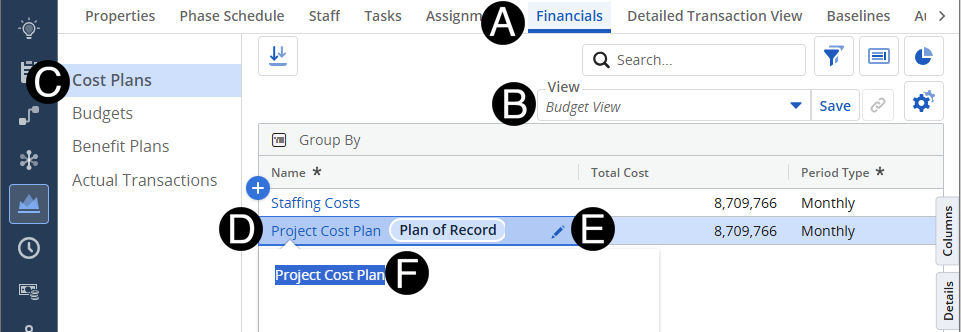
Click Financials tab.
Click on Cost Plans.
Select the Project Cost Plan.
Click the edit pencil
Rename the Cost Plan.
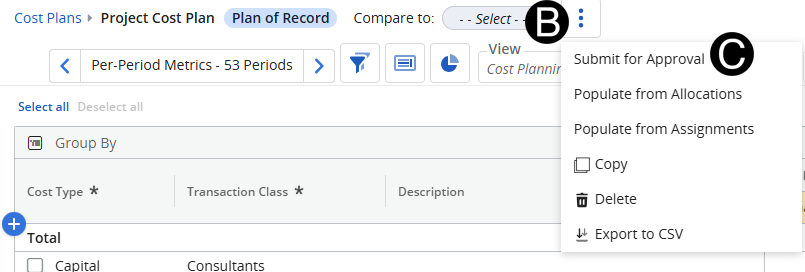
Select Project Cost Plan to be submitted for approval.
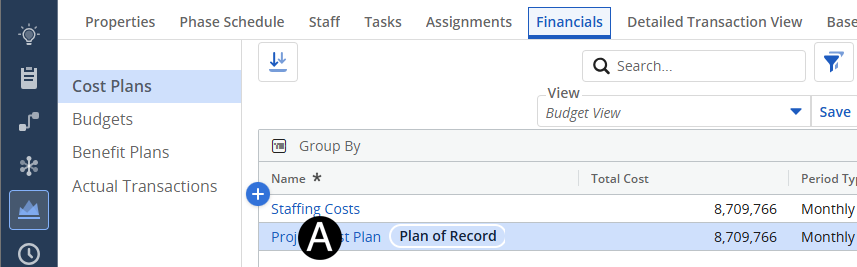
Click the three vertical dots.
Click Submit for Approval.
Click Submit.