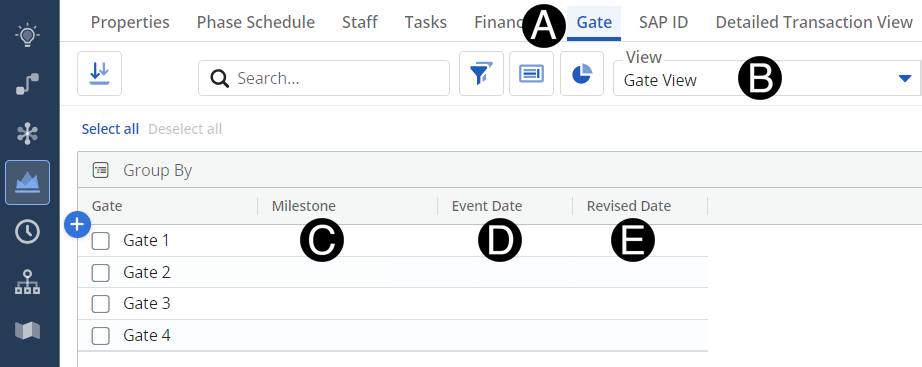
As a project progresses through its milestones and gate event, those will be entered here to allow teams to plan the team's resources more accurately.
Milestones, as defined in Clarity, are driven by Global Creative Strategy.
Gate, Milestone, and Status can operate independently or jointly.
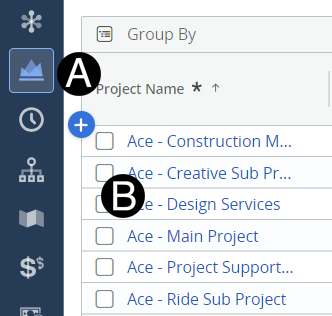
Click on Project icon.
Click to open project from the list.






 Milestones,
as defined in Clarity, are driven by Global Creative Strategy.
Milestones,
as defined in Clarity, are driven by Global Creative Strategy.