M1.5: Update Project Properties

Description
This step
is an optional, as-needed step as project details evolve. Global Creative
Strategy Team and select control team members on the project can
update certain information.
Detailed Steps
Step 1: .
Step 2: Update Project Properties.
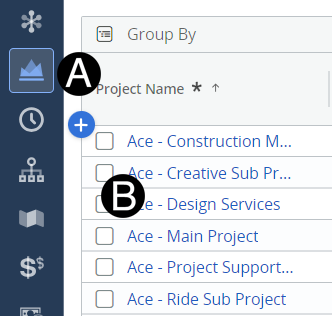
Click on Project
icon.
Click to open project from the
list.
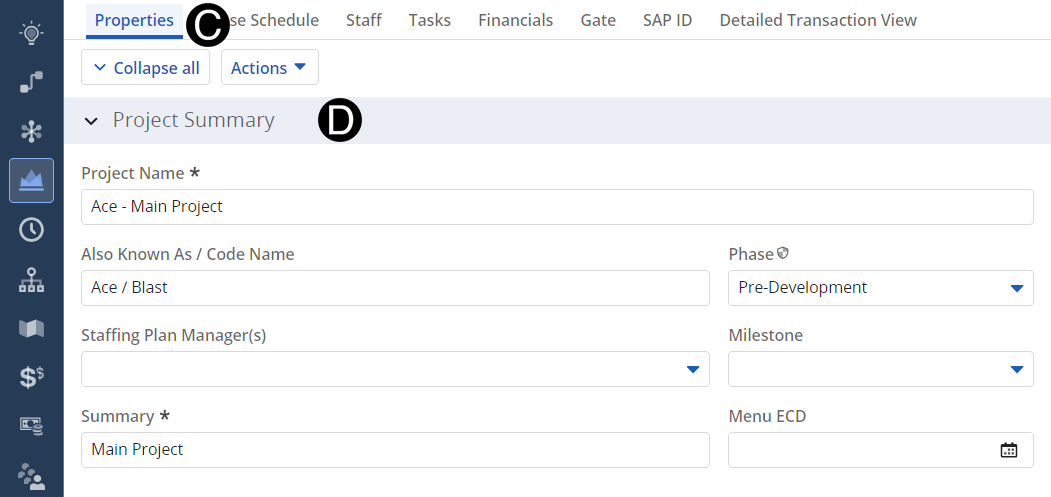
- Select Properties
tab.
- Enter or Update attributes that have changed in Project
Summary Section.
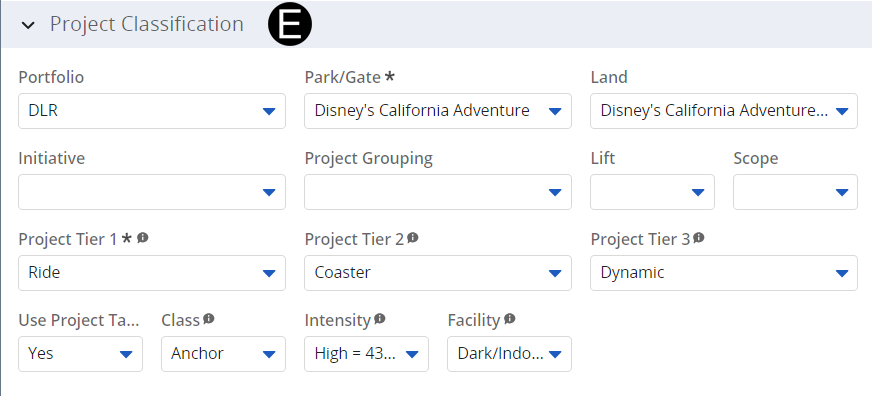
- Enter or Update attributes that have changed in Project
Classification Section.
- Enter or Update attributes that have changed in Project
Classification Section.
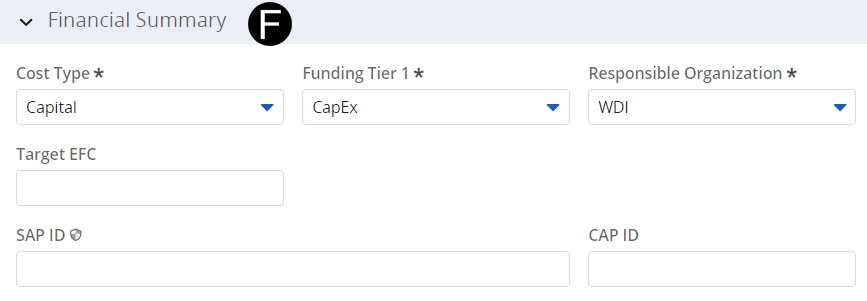
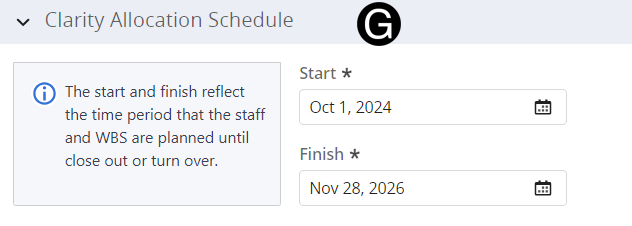
- Enter or Update attributes that have changed in Clarity
Allocation Section.