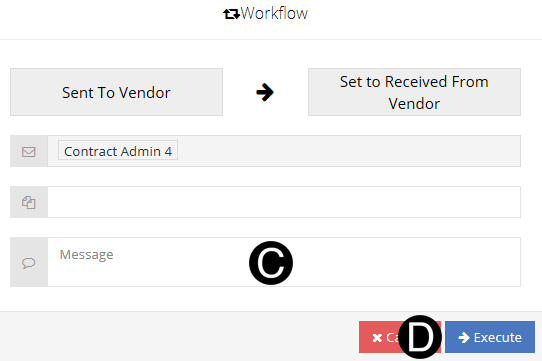
The Vendor will receive the Change Order from NexGEN, if the Vendor is not participating the Contract Administrator will Email the vendor the Change Order outside of NexGEN.
Once a Change Order is submitted by the Vendor it moves to the Contract Administrator in the Received from Vendor state.


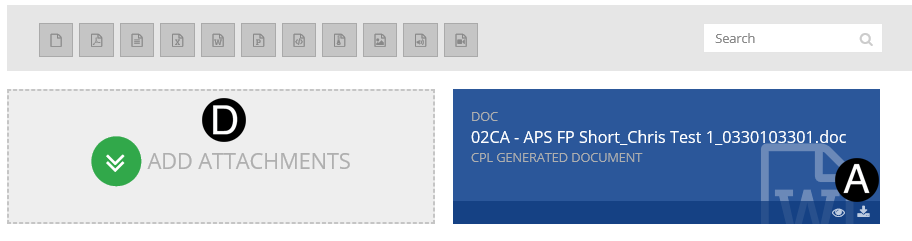
In References and Attachments section Click  download icon to download the Change Order file.
Print and Review Change Order file. Sign agreement page.
Scan Change Order file as PDF.
Click on Add Attachment.
Browse for signed Change Order file, Click Open to attach.

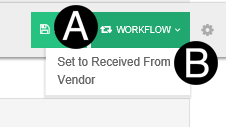
Click Workflow.
Select Set to Received from Vendor.
Type a message in the Message field to include in the Email notification (optional).
Click Execute.