





The Project Estimator creates the Change Order without JFC/CD and adds attachment(s), as required.
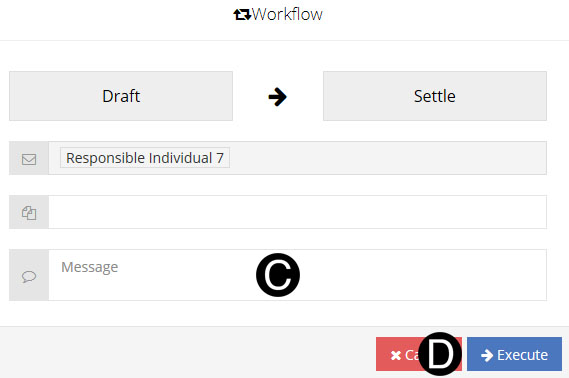
Once a Change Order without JFC/CD is initiated and submitted and is Workflowed to the Responsible Individual in the Settled state.
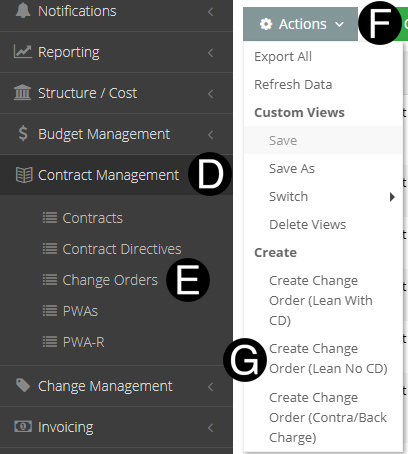
Select Contract Management on Navigation Pane to expand.
Click Change Orders.
Click Actions drop down.
Select Create Change Order (Lean No CD).
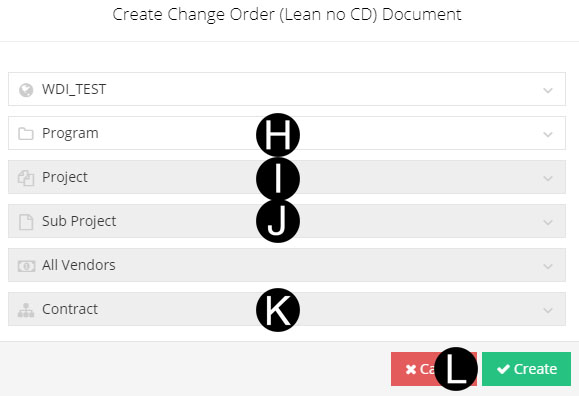
Select correct Program from drop-down list.
Select Project from drop-down list.
Select Sub Project from drop-down list if applicable.
Select Contract from drop-down list.
Click Create.
|

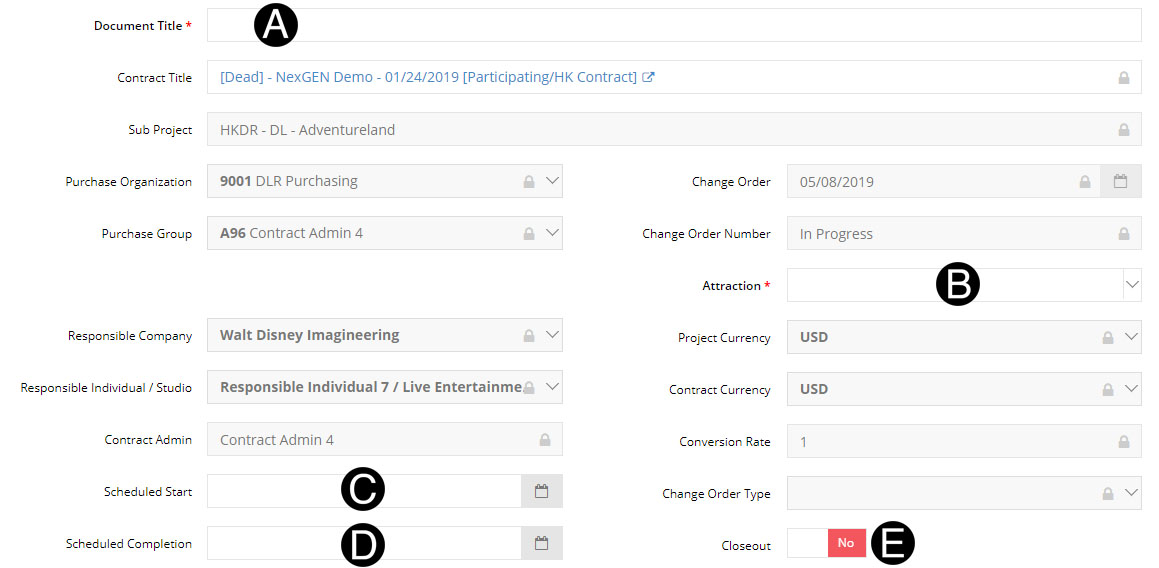
Type Document Title in the field.
Select Attraction from drop-down list.
Select Scheduled Start from date picker.(Optional)
Select Scheduled Completion from date picker.(Optional)
Verify Close Out yes or no.
|
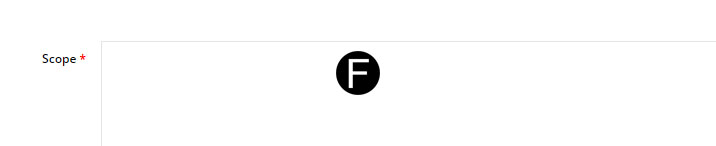
Type Scope in the field.
|

|
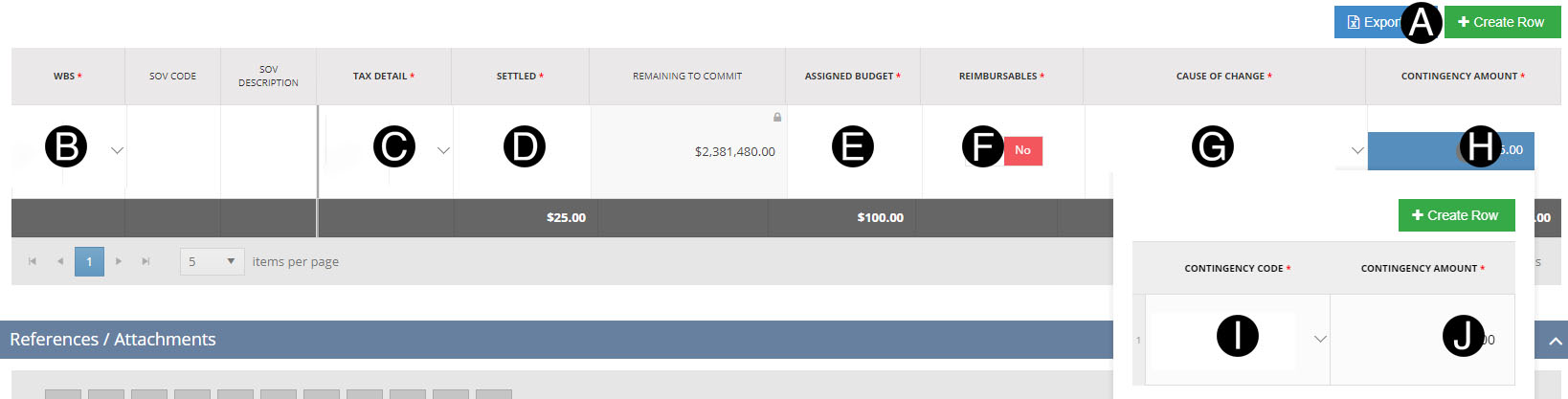
Click Create Row Button.
Select the WBS from the list.
Select Tax Detail from the list.
Enter Settled in the field.
Enter the Assigned Budget in the field.
Toggle Yes or NO if the amount is Reimbursables.
Select the Cause of Change type from the list.
Click Contingency Amount box to open pop up Window.
Select Contingency Code from the list.
Enter Contingency Amount.
|

Click  .
.
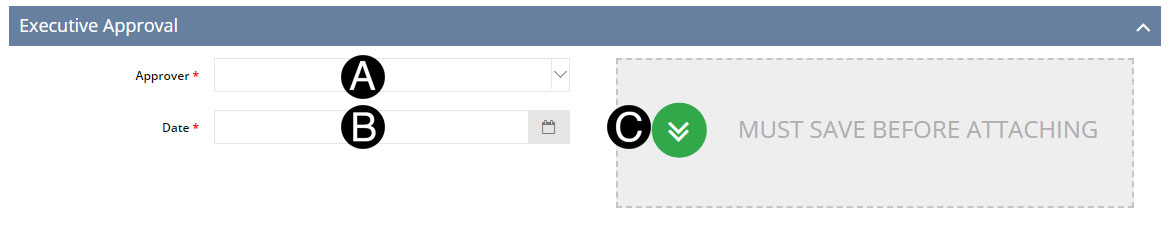
Select Approver from drop-down list.
Select Date from date picker.
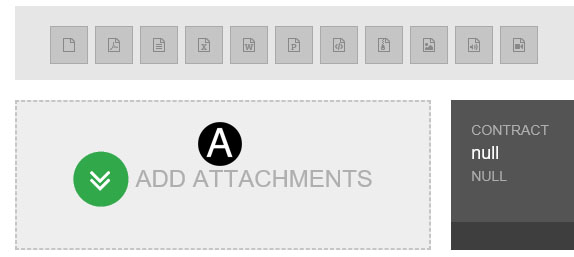
Click Approval Attachment.
Select the file to attach (Holding down Ctrl to select multiple attachments).
Click Open to attach the document.

 The
attachments will not be visible by default to the Vendor. If
they need to be, you will need to unlock the eye icon on the attachment.
Visible to Vendor The
attachments will not be visible by default to the Vendor. If
they need to be, you will need to unlock the eye icon on the attachment.
Visible to Vendor  or Not Visible or Not Visible . . |
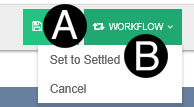
Click Workflow.
Select Set to Settled.
 The Change
Order will not save if there are any errors, but will succeed
after selecting
The Change
Order will not save if there are any errors, but will succeed
after selecting