





Contract Accounting assigns the SAP Contract Number and sends it to generate.
Once a Lean Change Order without CD is submitted by the Contract Accounting Workflows to the Vendor or Responsible Individual it will move to Fully Executed-Invoice Authorized state.


Enter the Change Order Number.
|


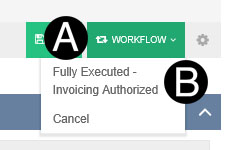
Click Workflow.
Select Fully Executed-Invoice Authorized.
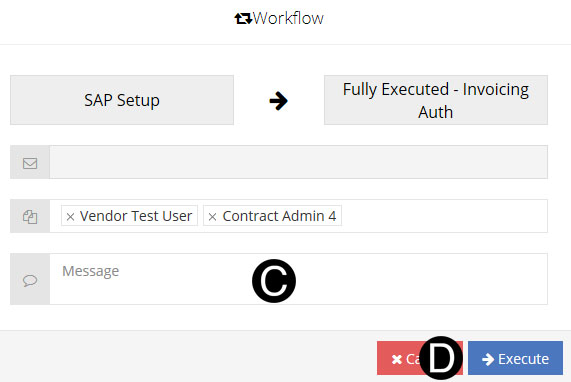
C. Type a message in the Message field to include in the Email notification (optional).
D. Click Execute.
|
 Change
Order Number must be 3 digits unique.
Change
Order Number must be 3 digits unique.