The Contract Administrator Executes the Change Order.
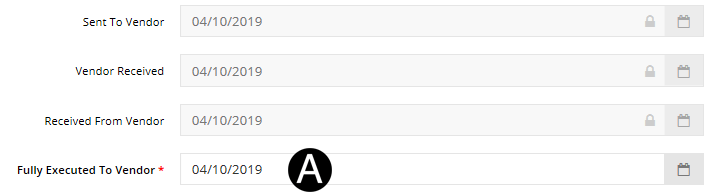
Select Fully Executed to Vendor Date from date picker.
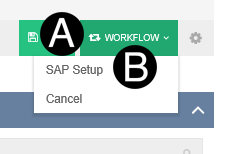
Click Workflow.
Select SAP Setup.
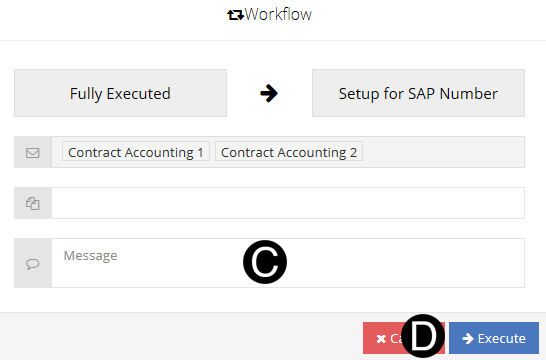
Type a message in the Message field to include in the Email notification (optional).
Click Execute.