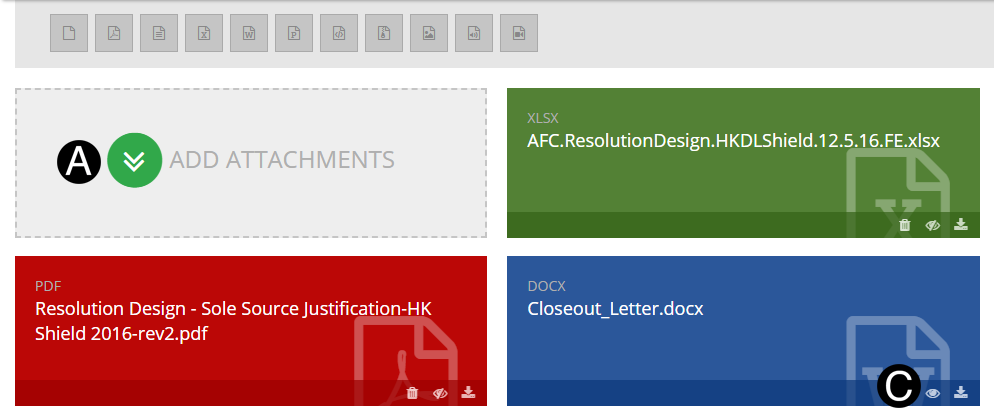
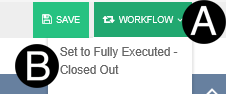
This
step should only be used when there is no open balance on a contract
and the vendor has been communicated to outside of NexGEN that
their contract is being closed. This
step should only be used when there is no open balance on a contract
and the vendor has been communicated to outside of NexGEN that
their contract is being closed.
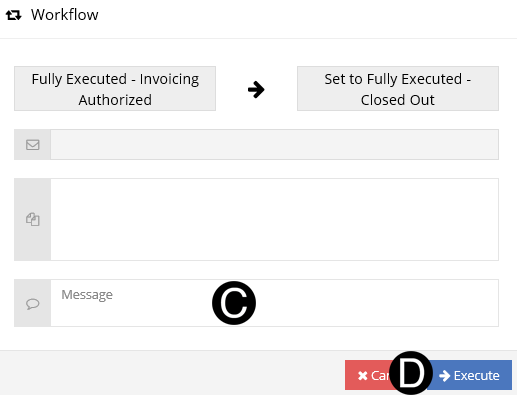
The
SAP team will use this notice to close the contract in SAP.
If
there is an open balance this process should not be used. The
Lean Change Order without CDs should be used by the Project
Estimator.
 No
further Invoicing or Changes can occur on this contract once workflowed. No
further Invoicing or Changes can occur on this contract once workflowed.
|





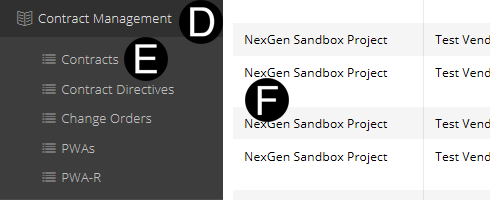


 icon to make documents visible by Vendor.