




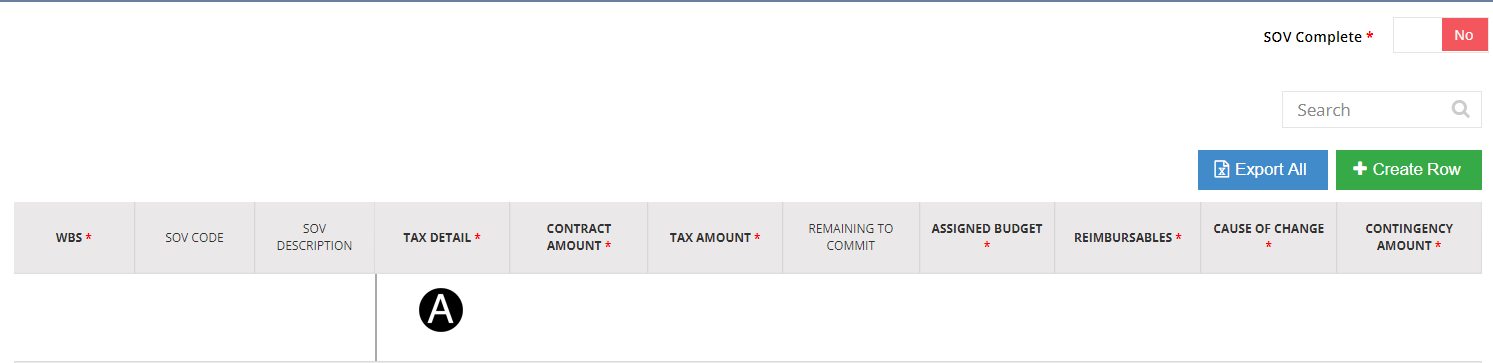
The Contract Administrator edits/modifies any errors in the Tax Detail section and Sub Project SOV Details only if there is no Invoice.
When document is saved edits or modifications will take affect.
|


Edit/Modify by selecting Work Type from the list.
Edit/Modify by selecting Plant from the list.
Verify Final Delivery Address or enter final delivery address.
Edit/Modify by selecting Material Group from the list.
Edit/Modify by selecting Tax Usage Code from the list.
If additional detail rows are needed click Create Row.


Edit/Modify error in Tax Detail.

Click Save.

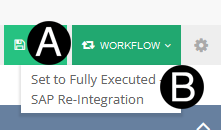
Click Workflow
Select Set to Fully Executed.
 This process can only be done if there
is no Invoice.
This process can only be done if there
is no Invoice.