





The Responsible Individual (RI) will receive Email Notification from vendor if participating or Contract Administrator if not participating. RI will finalize the schedule of Values (SOV).
Fully Executed Contract that the Vendor can submit a Payment against.


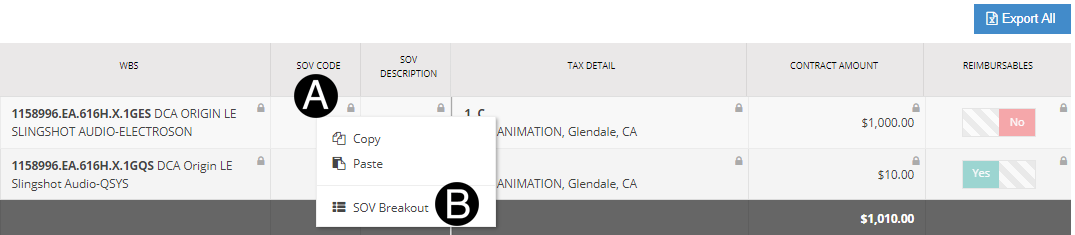
|

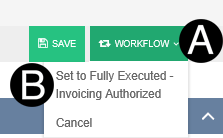
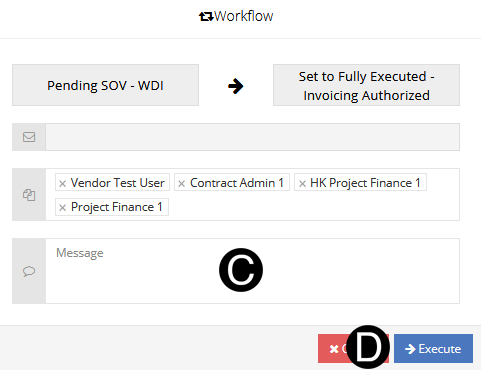
 If
Fee and Reimbursable values do not tie to the original contract
value, you will receive an error. Save change as Pending SOV Vendor.
If
Fee and Reimbursable values do not tie to the original contract
value, you will receive an error. Save change as Pending SOV Vendor.