





The Responsible Individual reviews the invoice and validates that the billed work stated has been completed and meets our quality standards.
Once a Contract Payment is created and submitted, it is workflowed from the Pending to Pending Approval state.
|

Click download icon and review the Vendor Invoice.
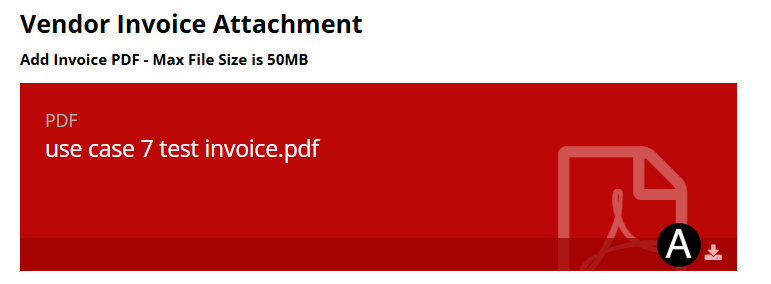

In
References / Attachments section click the  download
icon to download the Contract file.
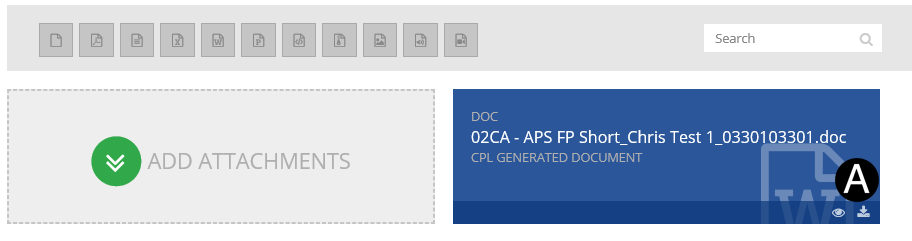
download
icon to download the Contract file.
Review Invoice.

|
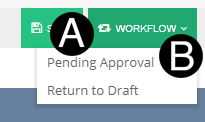
Click Workflow drop-down list.
Select Pending Approval.
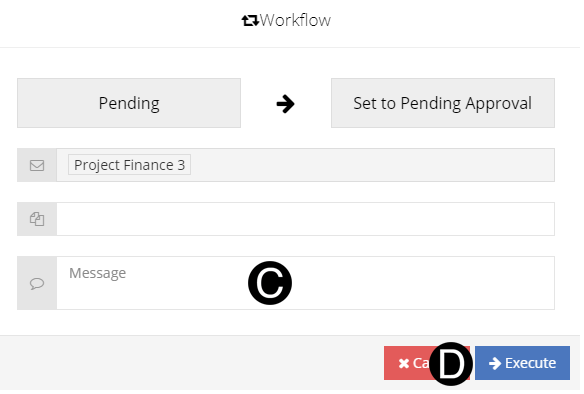
Type a message in the Message field to include in the Email notification (optional).
Click Execute.
 If an invoice is returned to the Vendor,
all preceding invoices will be returned.
If an invoice is returned to the Vendor,
all preceding invoices will be returned. If the
Contract Invoice is not in conformance, return it to the Vendor
by workflowing to
If the
Contract Invoice is not in conformance, return it to the Vendor
by workflowing to