Description
Design Services Producer will populate and submit the Cost Plans.
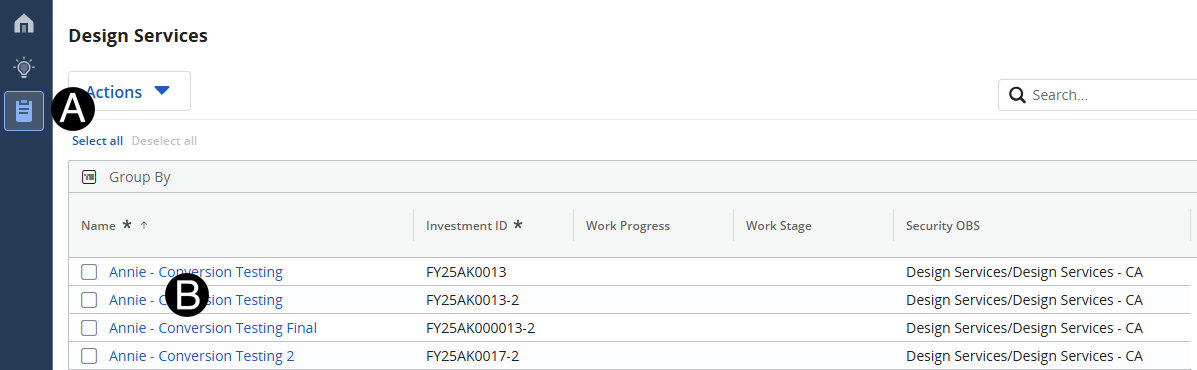
Click Design Services Icon.
Click Project that you want to populate/update Cost Plan.
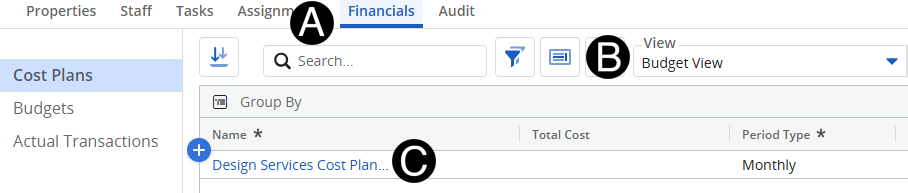
Select Financials Tab.
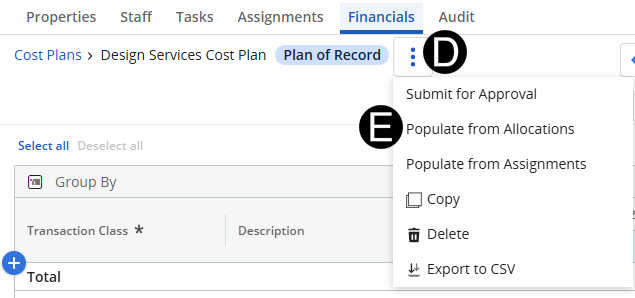
Click the three vertical dots.
Select Populate from Allocations.
Select the Transaction Class to add OE to.
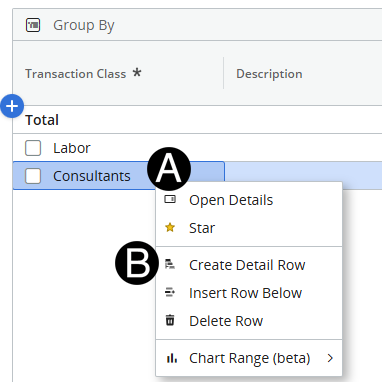
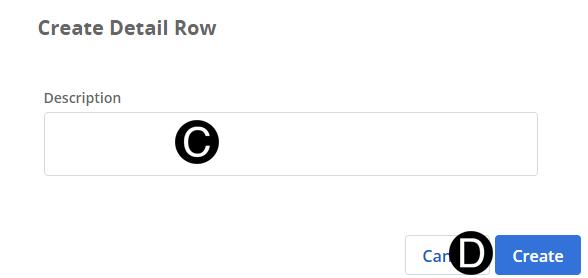
Enter Description for OE.
Click Create.
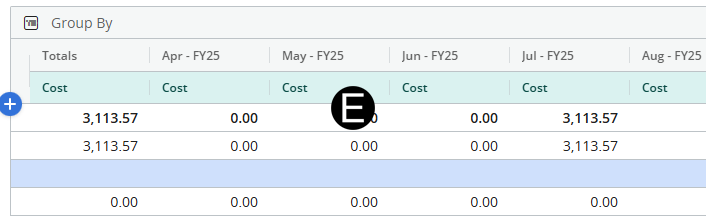
Enter Allocation for OE.
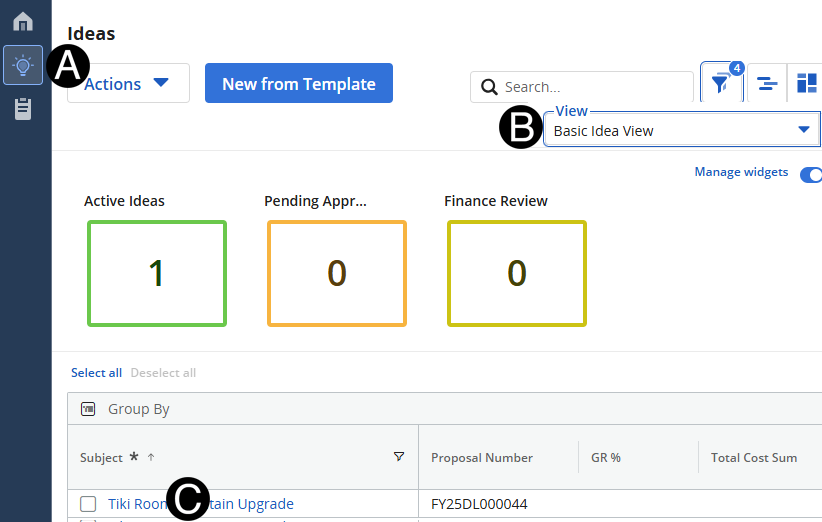
Click Ideas icon.
Select Basic Idea View.
Select Idea to send estimate for.
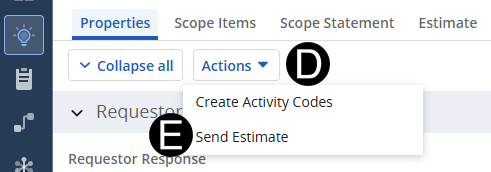
Click Actions button drop-down list.
Click Send Estimate.