Description
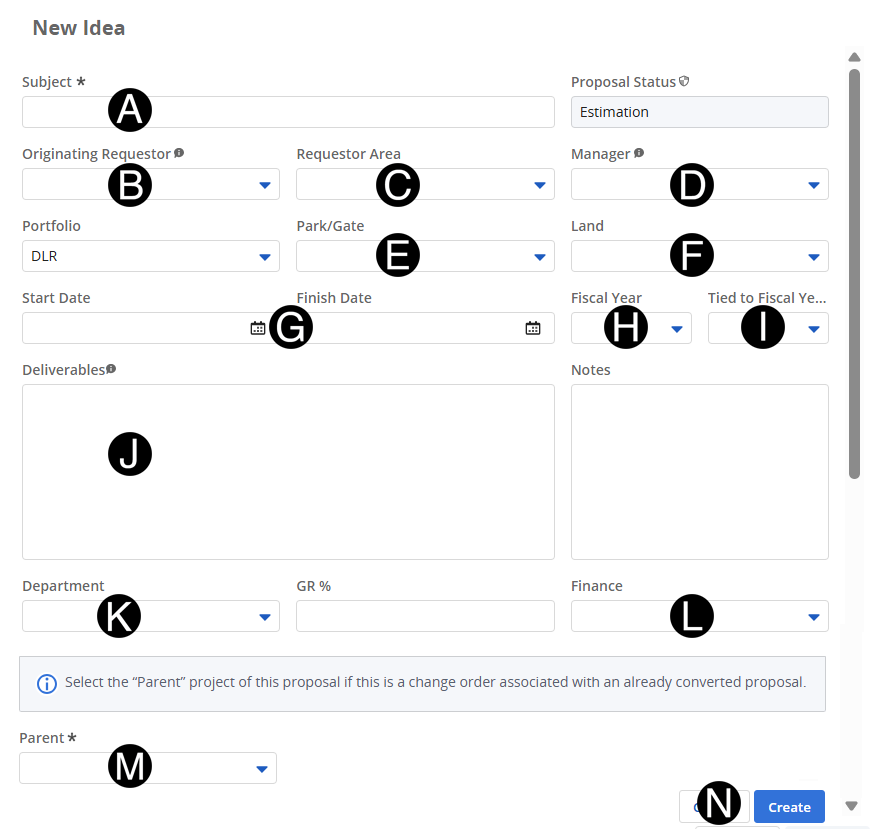
The Idea Creator creates an Change Order in Clarity.
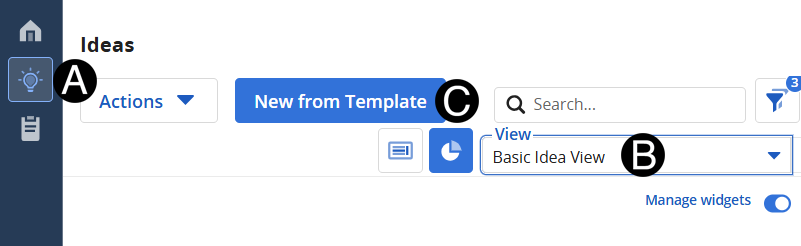
Click Ideas Icon.
Select Basic Idea View.
Click New from Template button.
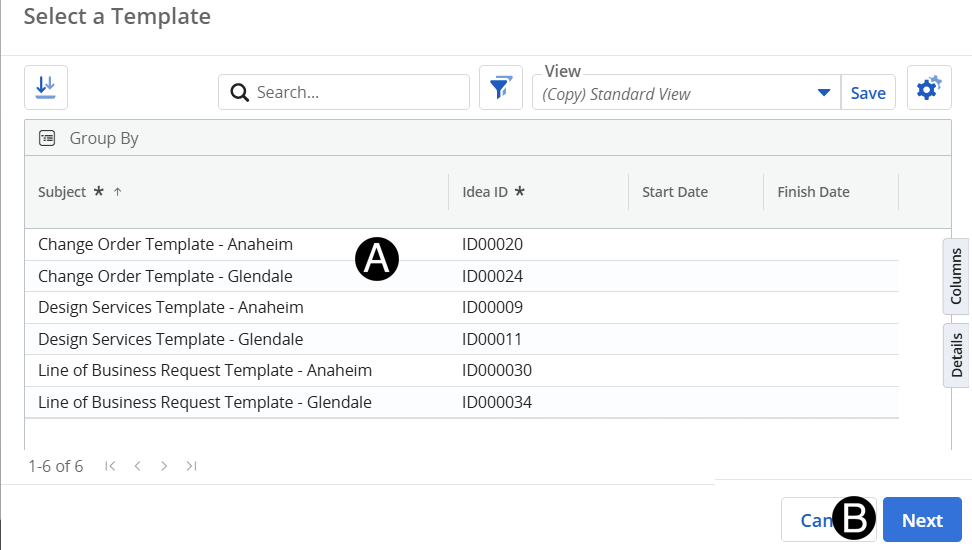
 Verify
Portfolio.
Verify
Portfolio.
 The
one that is already converted to link the associated Ideas and Change
Order together.
The
one that is already converted to link the associated Ideas and Change
Order together.
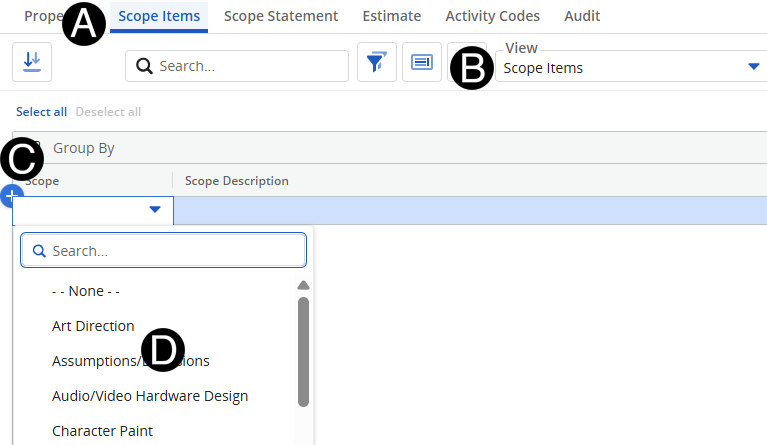
You
can search for Scope Items by typing in the search.
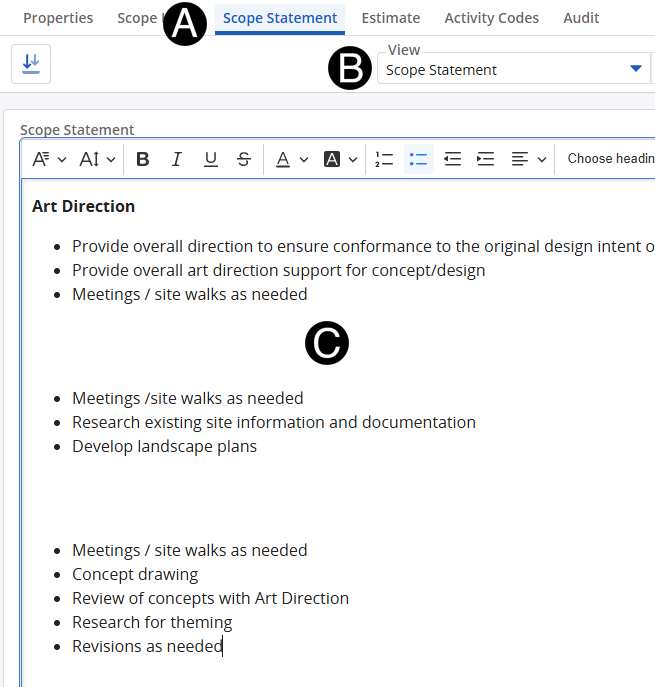
This
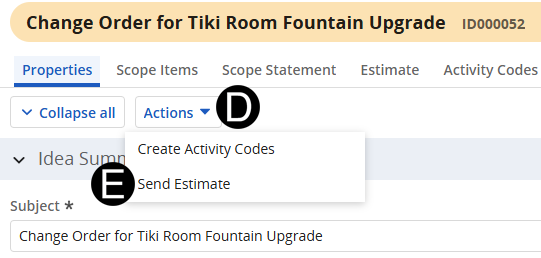
will comprise the body of the Email.
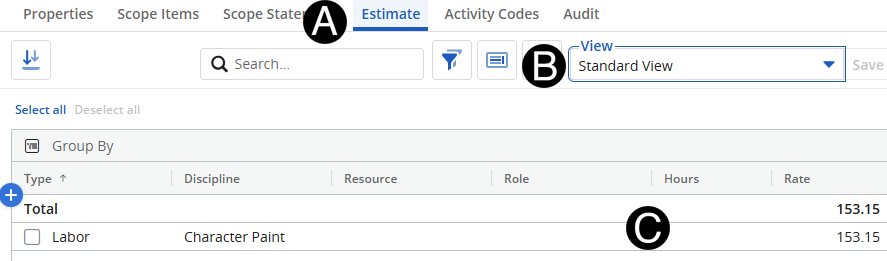
If
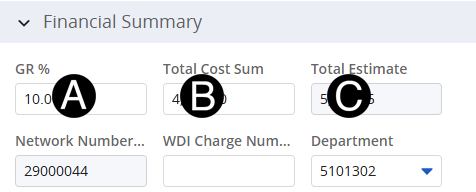
the amounts need to be updated navigate to the Estimates Tab.