Description
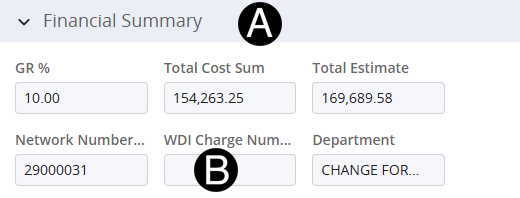
The finance representative will validate the WDI Cost Code that was given to enter in to the WDI Cost Code section.
 Review
the requestor's response to ensure there is a charge code included.
If no charge code is included reach out to the Line of Business Requestor
for it.
Review
the requestor's response to ensure there is a charge code included.
If no charge code is included reach out to the Line of Business Requestor
for it.
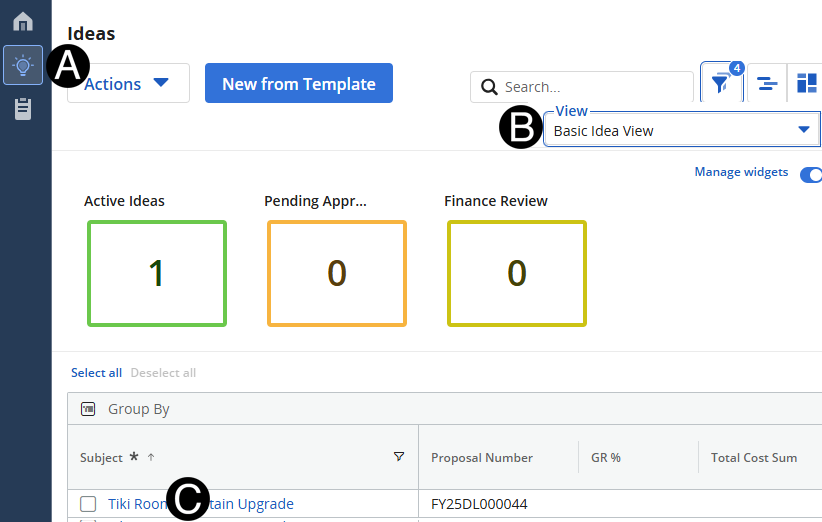
Click Ideas Icon.
Select Basic Idea View.
Click Idea that you want to enter cost codes for.
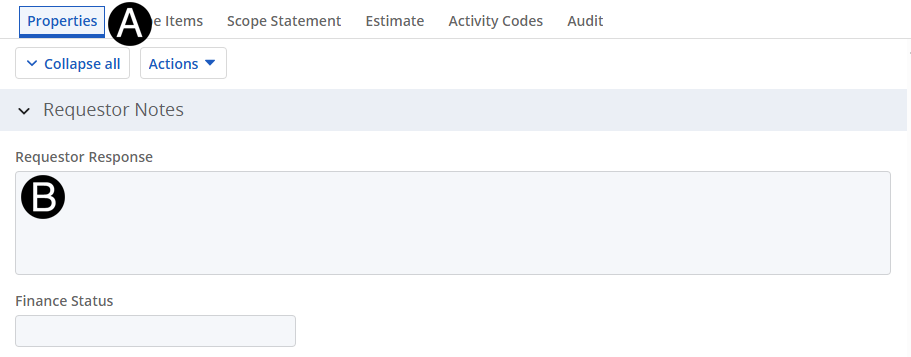
Click Properties tab.
Review the Line of Business response in Requestor Notes Section.
Click Ideas Icon.
Select Basic Idea View.
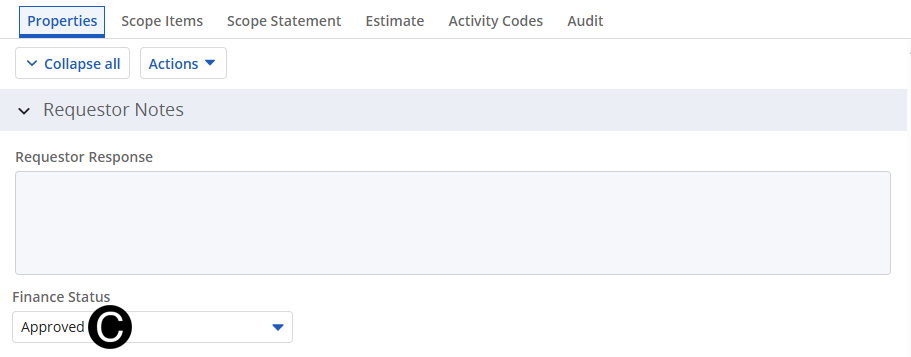
In Requestor Notes Section change Finance Status to Approved from drop-down list.