




 Description
The Finance will Closeout the Project in Clarity.
Click Design Services Icon.
Select Basic Idea View.
Click Columns button.
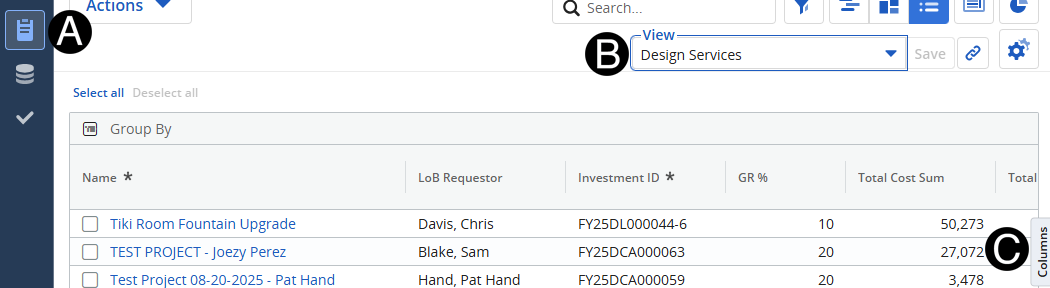
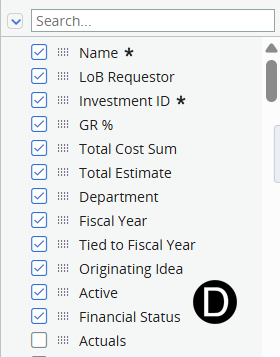
Add Active and Financial Status Columns.
|
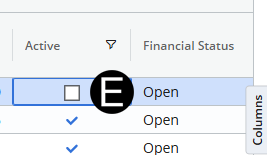
Uncheck Active box for the project to be closeout.
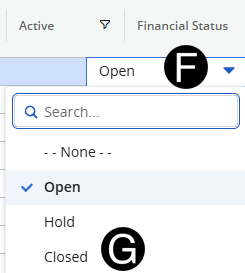
Click Financial Status.
Select Closed from drop-down list.
 Use the Search
to find Active and Financial Status.
Use the Search
to find Active and Financial Status.