D.7a.3 Finance or Estimating Review: Review & Concur

Estimator or Finance reviews the Budget Transfer information entered by Estimator or Finance and any attachments to determine if in agreement. Based on the agreement of the Project Team the Budget Transfer will be approved or sent to the Project Manager for approval. Project Controls Team should have an agreement with the Project Manager at the beginning of the project if the Project Manager wants to approve non-contingency Budget Transfers.
If the Budget Transfer Type is Contingency to WBS the process requires it to go to Project Manager to be approved.

Review/approve Budget Transfer.
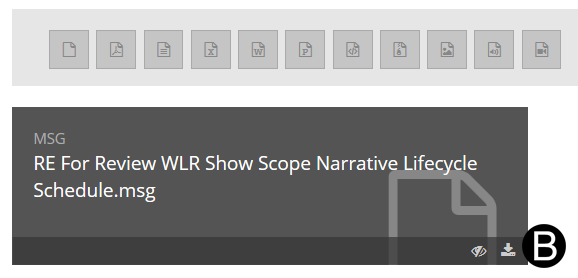
Review any attachments by downloading them. Click Download.
Click OK.
Browse and select the location where you want the file downloaded.
Click Save.
Click OK.
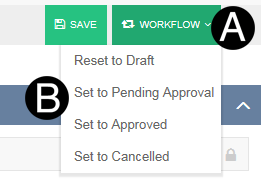
Click Workflow.
Select Set to Pending Approval from the list.
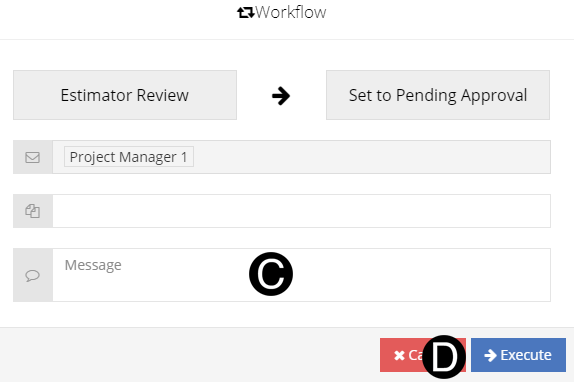
Type a message in the Message field to include in the Email notification.
Click Execute.