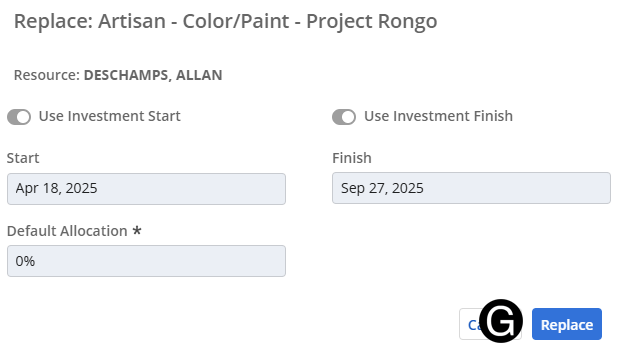
Functional Manager will assign named resources to the project.
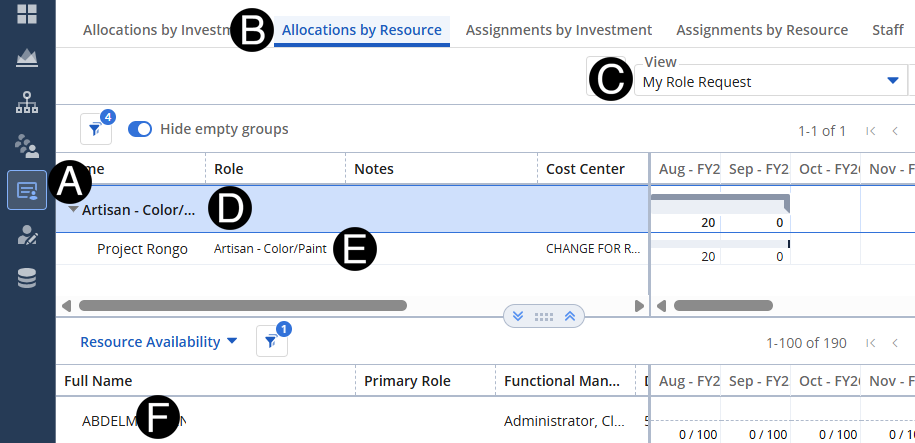
Select Staffing Icon.
Click Allocations by Resource tab.
 You
can search for the role by name by using the search box in the drop-down list
list.
You
can search for the role by name by using the search box in the drop-down list
list.
Verify correct replacement has been made and click Replace.