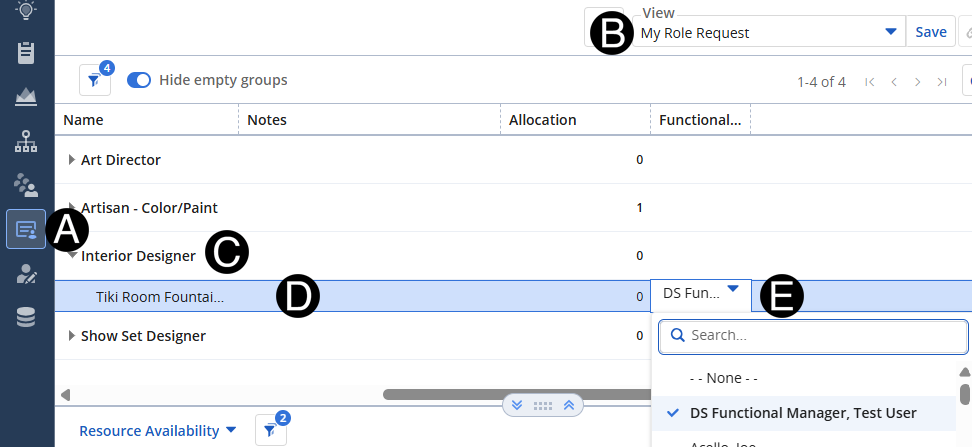
Functional Manager will re-assign requests to the project.
Select Staffing Icon.
You can search for the role by name by using the search box in the drop-down list list.






 You
can search for the role by name by using the search box in the drop-down list
list.
You
can search for the role by name by using the search box in the drop-down list
list.