B1.6: Assign Functional Manager

Description
Responsible Individual
will assign the Functional
Manager to the project.
Detailed Steps
Step 1: .
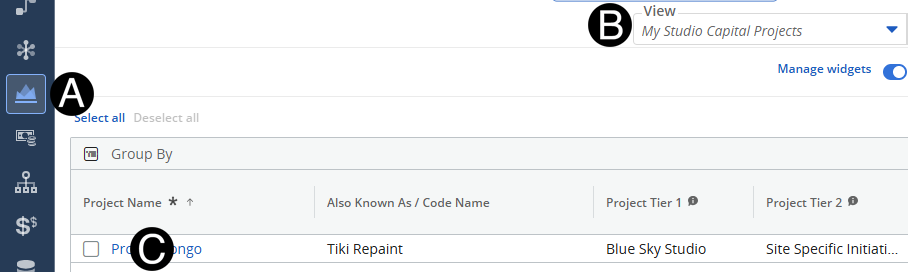
Step 2: Select Project.
Click on Project
icon.
Select My
Studio Capital Projects view.
Click to open project from the
list.
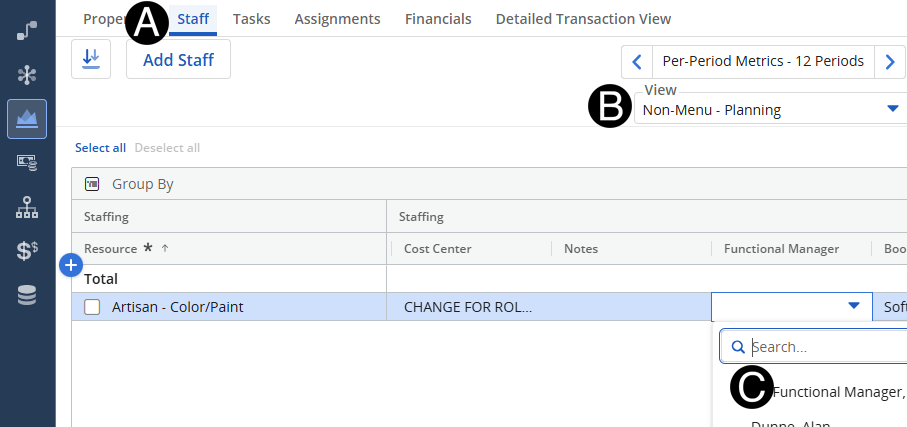
Step 3: Assign Functional Manager.
- Select Staff Tab.
- Select Non-Menu -
Planning View.
- Select the Functional Manager from the Functional
Manger drop-down list.