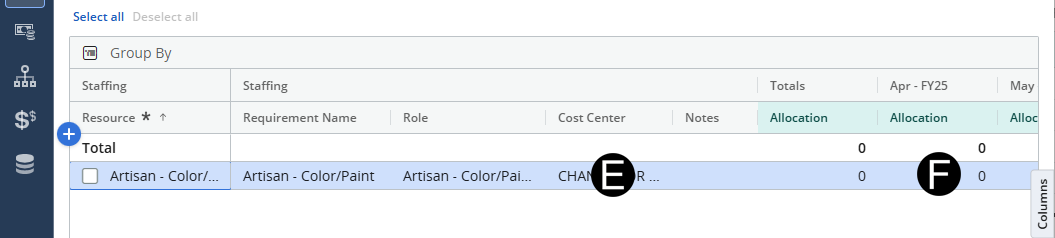
Responsible Individual will enter or update role requests for the project.
The Functional Manager can then add resources to the forecast as needed. Responsible Individual can then create forecast for O/E and Staffing Cost Plan.
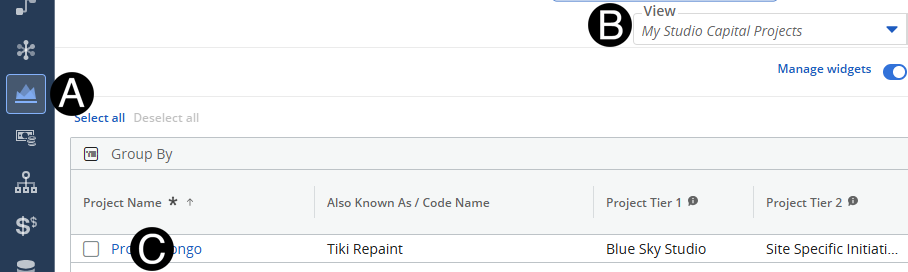
Click on Project icon.
Select My Studio Capital Projects view.
Click to open project from the list.
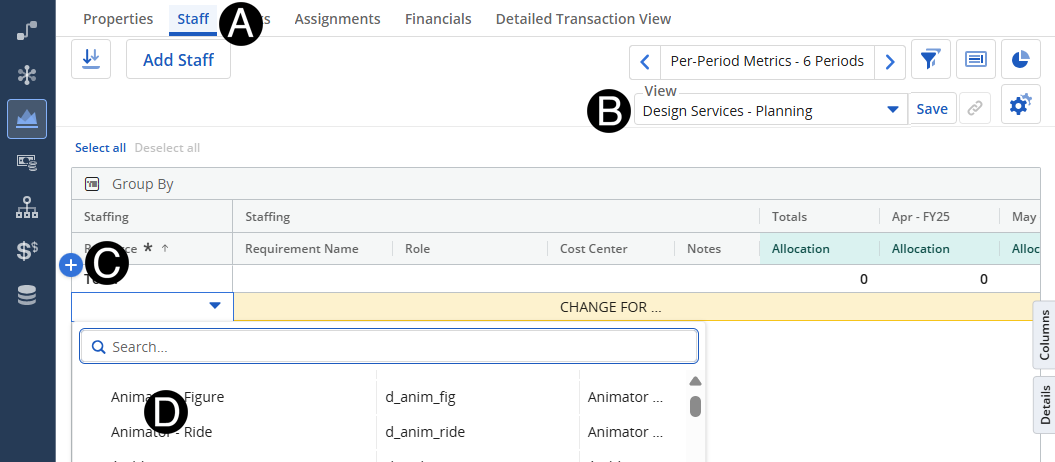
Click Staff tab.
Change View to Design Services - Planning.
Click the Add Row.
Select Resource from drop-down list.
Select Cost Center from drop-down list for TBD Resources.
Input Forecast.
 Cost
Center will come over from SAP for named resources.
Cost
Center will come over from SAP for named resources.
Start
and Finish date will pull from the Properties tab for the project.