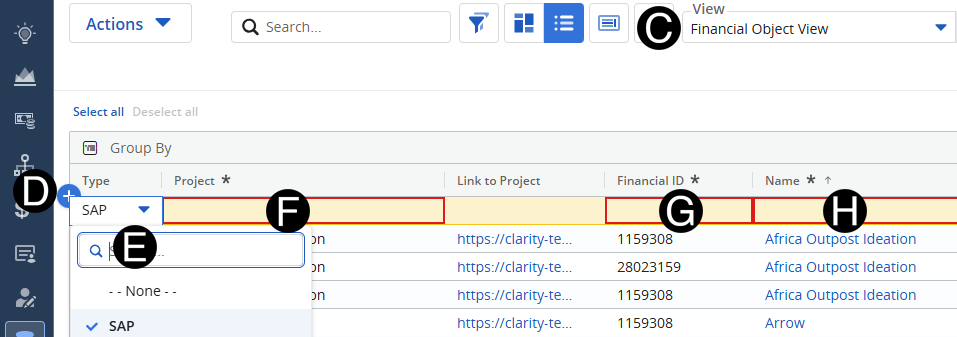
Finance will create or update the Financial Object for the project.
Select Custom Objects Icon.
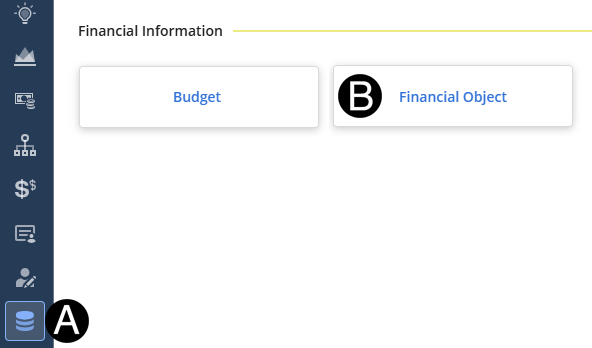
 You
can search for the project by name by using the search box in the
drop-down list.
You
can search for the project by name by using the search box in the
drop-down list.
 Project
Name should be entered in
the same as Project field.
Project
Name should be entered in
the same as Project field.