





The Policy Exception Approver will receive the Travel Authorization if it included and exception. They will then review the Arrangement Requirements of the Travel Authorization and the requested exceptions.
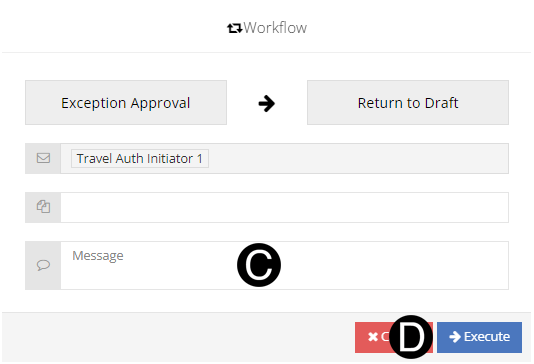
The Policy Exception Approver approves the exceptions by workflowing the document to the Studio Lead. If the exceptions are declined the Policy Exception Approver will return the document to the Draft state back to the Initiator.
|

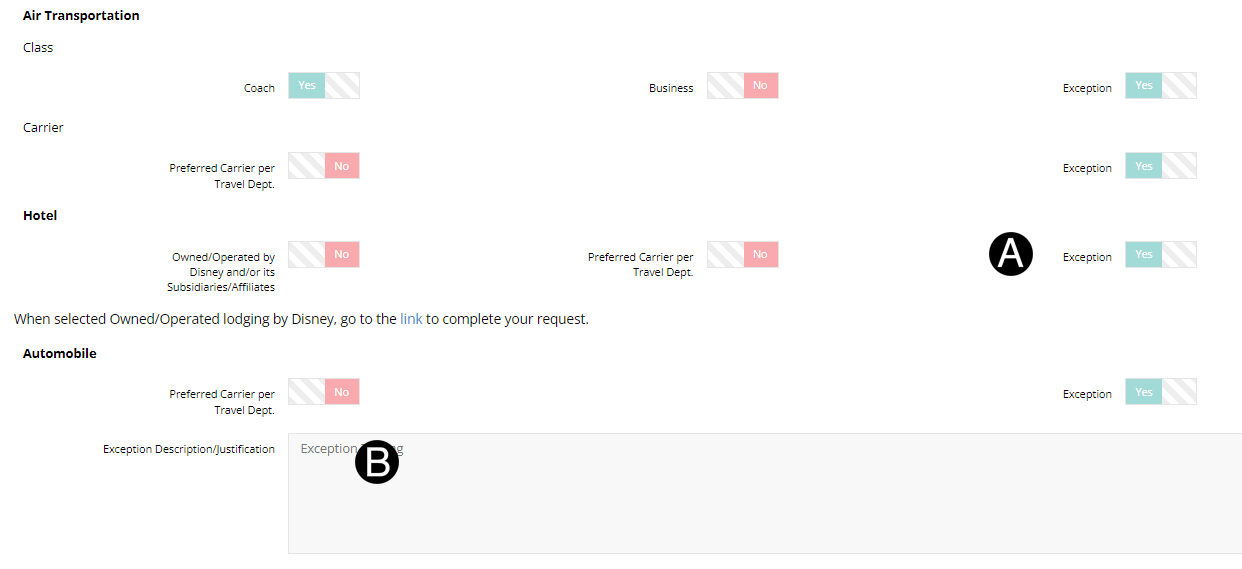
In Arrangement Requirements Section review the exceptions request that are selected.
Review details in notes for the exception.

|
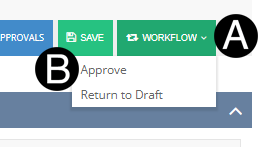
Click Workflow drop-down list.
Select Approve.
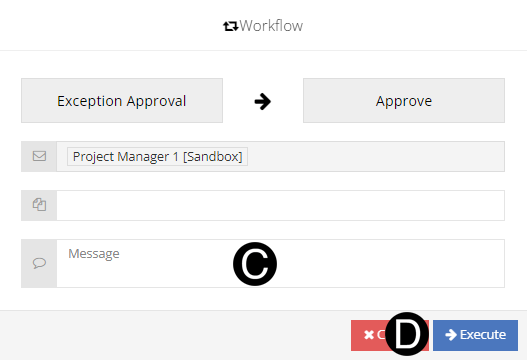
Type a message in the Message field to include in the Email notification (optional).
Click Execute.
Or
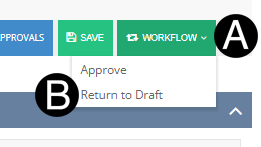
Click Workflow drop-down list.
Select Return to Draft.
Type a message in the Message field to include in the Email notification (optional).
Click Execute.
 Policy Exception
Approver
Policy Exception
Approver  If the
exceptions are not approved the document can be, return to the
Initiator by workflowing to
If the
exceptions are not approved the document can be, return to the
Initiator by workflowing to